Some HTM series supports 480p but it is disabled from the factory. To enable 480p, first turn off the monitor and remove the REMOTE option card from the back of the monitor. Unscrew the two thumb screws and then jiggle it out. Look for a set of 7 DIP switches right next to the coin battery. These are all options you can enable - Ikegami used to charge customers to have features added by flipping these switches There should be a small table printed near the DIP switches, with each function labeled. On the HTM-1517R it is switch 6, but it may be different on other models. Flip switch 6 to "on" using the tip of some tweezers or similar to enable 480p. Lastly, make sure you are in "HDTV" mode on Menu1 to enable HD progressive resolutions like 480p. Source
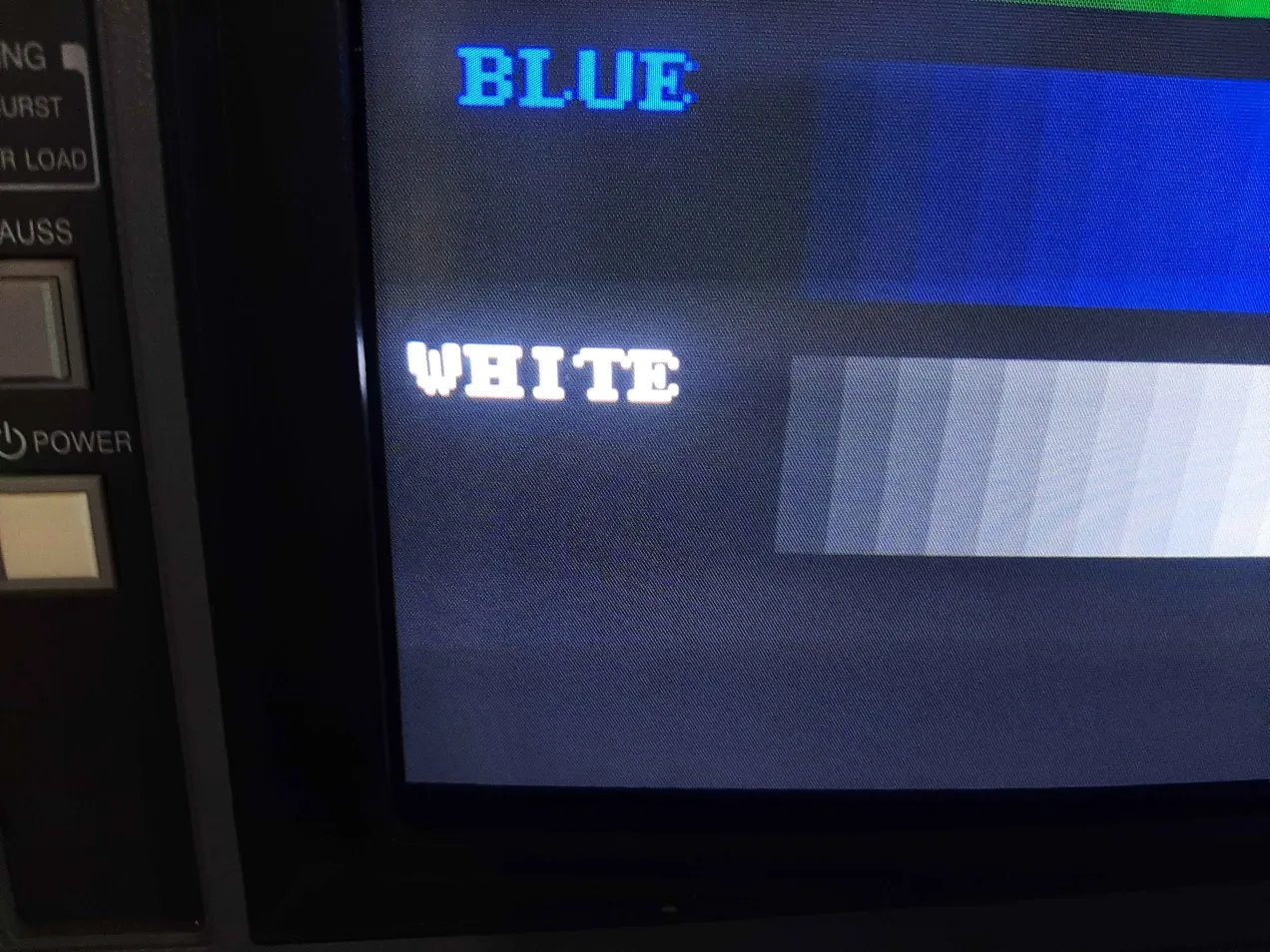
Displaying full screen 480p will require some geometry adjustments. By default, all HD resolutions are set to widescreen, and the 4:3 mode provides a "zoom" feature for pillarboxed content. As such, the screen will be too wide in 4:3 mode. If you reduce its horizontal size, there will be visual artifacts at the left edge of the screen (seen in the first screenshot below). To get a clean picture, leave it in 16:9 mode and stretch the picture vertically instead.

 This work is licensed under a