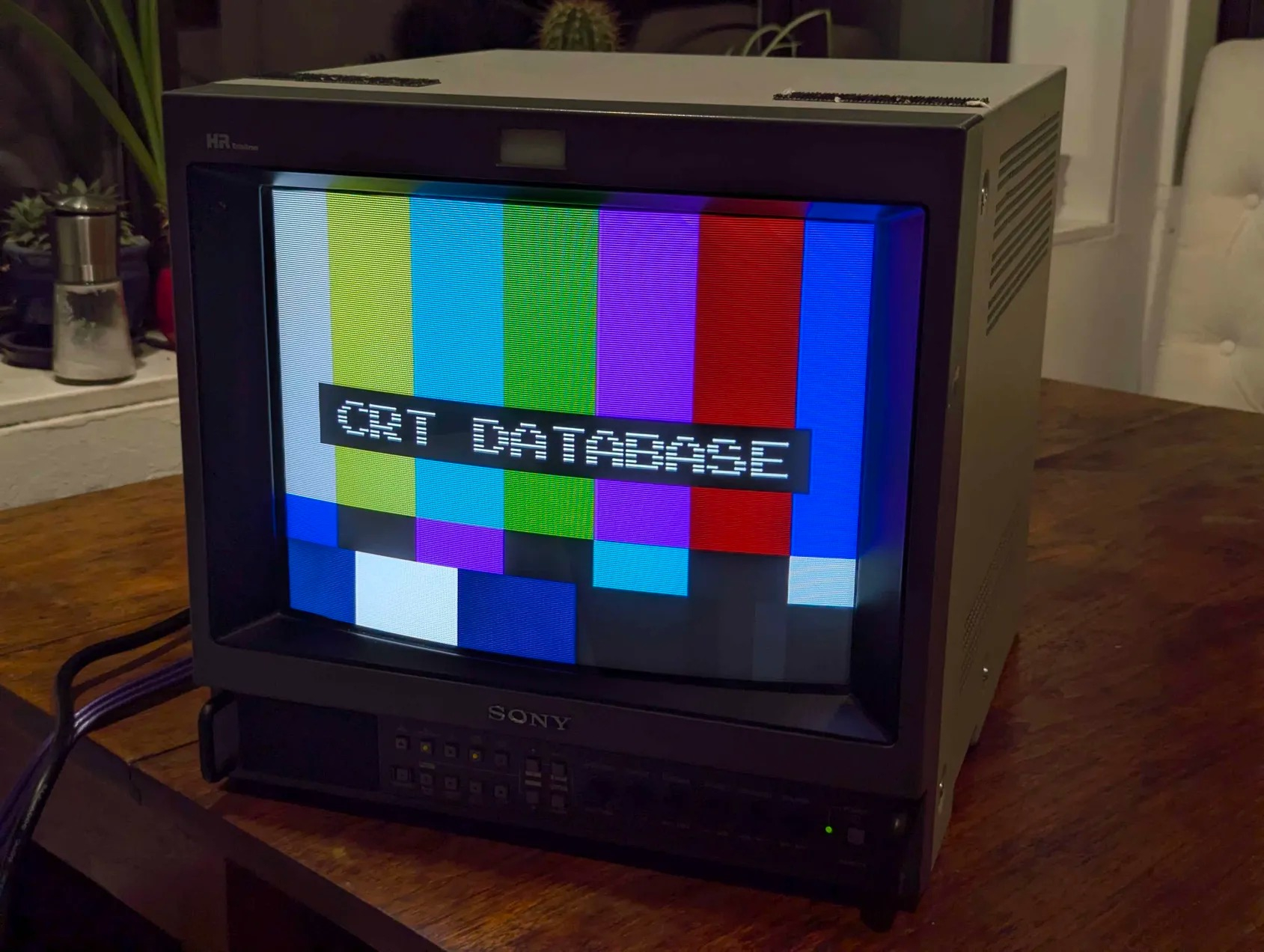
Summary
Featuring one of the latest developments in Sony display technology, the HR Trinitron, the M4 Series of monitors has a resolution of 800 TV lines.
With stunning picture performance, flexibility of signal connections, a full range of optional functions and ease of operation, these new Sony monitors are designed to meet the demands of a wide range of picture monitoring and production applications.
Good all-around PVM for sitting on your desk or other space-saving applications. Not the most reliable PVM series but common repairs are well documented.
There were several board revisions, getting a later model-year will ensure a more reliable experience. Sony changed the spec of several commonly failing capacitors.
Manuals
Media & Promo Materials
Common Repairs
-
Power Supply Failure: Try testing with known good PSU if available. If not available test PSU outputs with load to see if voltage is within spec printed below connector. Regulators commonly fail. Cap failure less likely but still possible.
-
3 RGB lines at top of screen: Check if underscanning (either with toggle switch or due to V-Height). If not underscanning then there is a deflection capacitor failure. Replace C-572 and C-584 on A Board. There is an old recommendation to adjust the V-BLNK (V-Blanking) value in the service menu to 'push' the lines up off of the screen but this is not recommended and only a temporary fix at best. It can further accelerate the death of the aforementioned capacitors and cause damage to other components. More information here: RetroTech on YouTube
Check R598 (33k SMD). This resistor may fail and go open circuit.
-
Blurry rainbow circles when shutting off monitor: Spot killer isn't working. No known fix at this time, there is no risk in continuing to use the monitor as normal.
-
Wide Image/Pincushion adjustments have no affect:
Remove L509:
- If the image shrinks and the pincushion fault remains:
- Check Q503 (Pin-Out Transistor - 2SD1134-C) - this can be replaced with a TIP41C.
- Check IC509 (Pin-Comparator - LM358DR) - ensure correct voltage on pin 8, damage to pads/via on C579 can cause this. This IC is annoying to replace as it is beneath/between a bunch of caps and heatsinks.
- Check Q501 (HOT - 2SD1878) - this will most likely have more issues than just pincushion problems if it has failed.
- If the image stays the same:
- Check D502 and D512 (Pin Damper Diodes - UF5408) - if these are UF5406 change to the higher voltage UF5408 per the service bulletin.
- Check C514 (0.01 uF 1.5 kV PP cap) - if this is the orignal 630 V cap replace with a higher voltage rated 1.5 kV (or higher) part per the service bulletin.
- Check C2510.
- If the image shrinks and the pincushion fault remains:
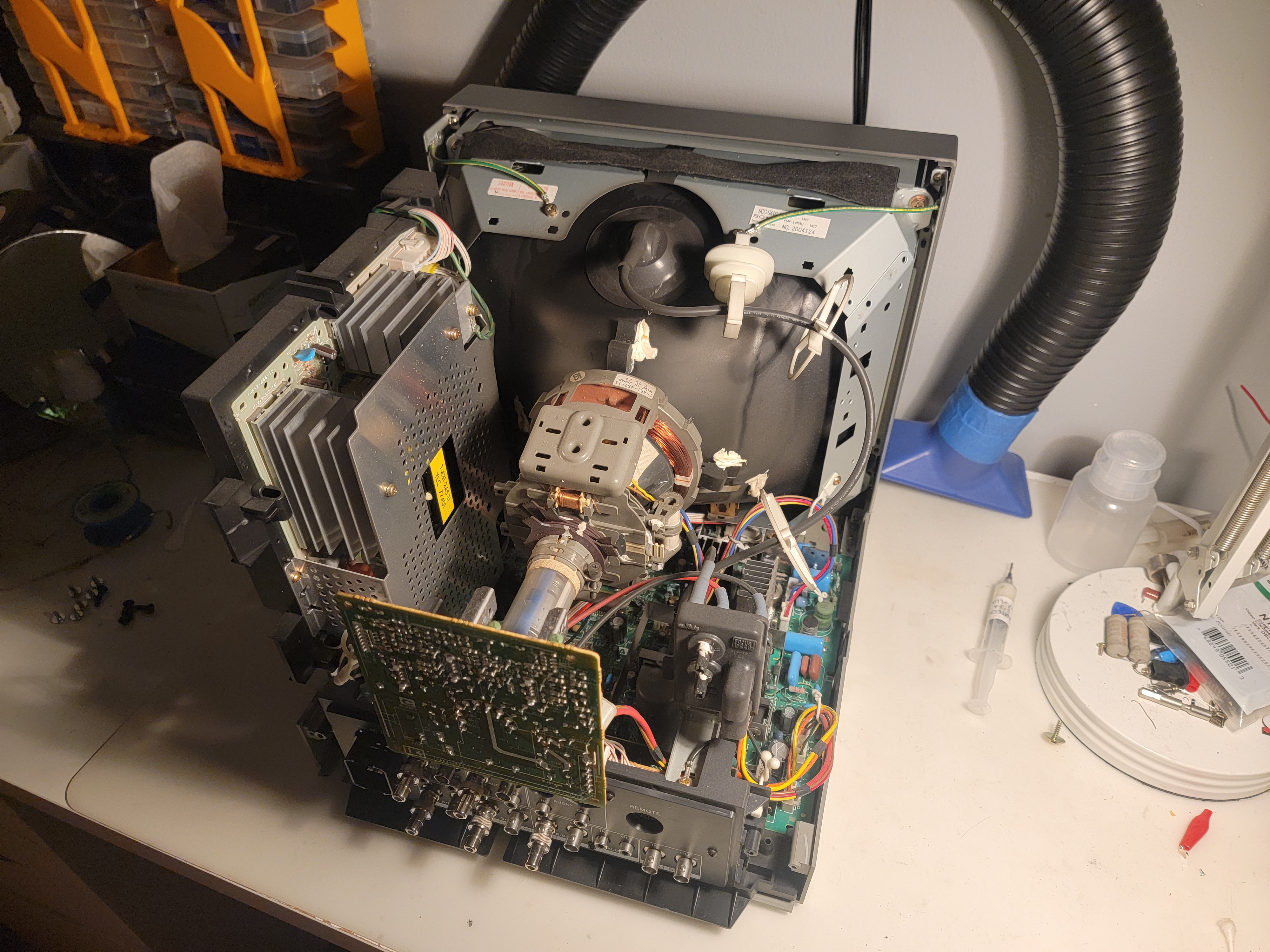
Removing the shell/case/rear cover for repair
Notes
OSD Service Menu can be accessed by pressing Menu, then Enter + Degauss. New settings won't be saved unless you commit them to memory by pressing Degauss. If you want to recall a setting from memory, press Blue Only.
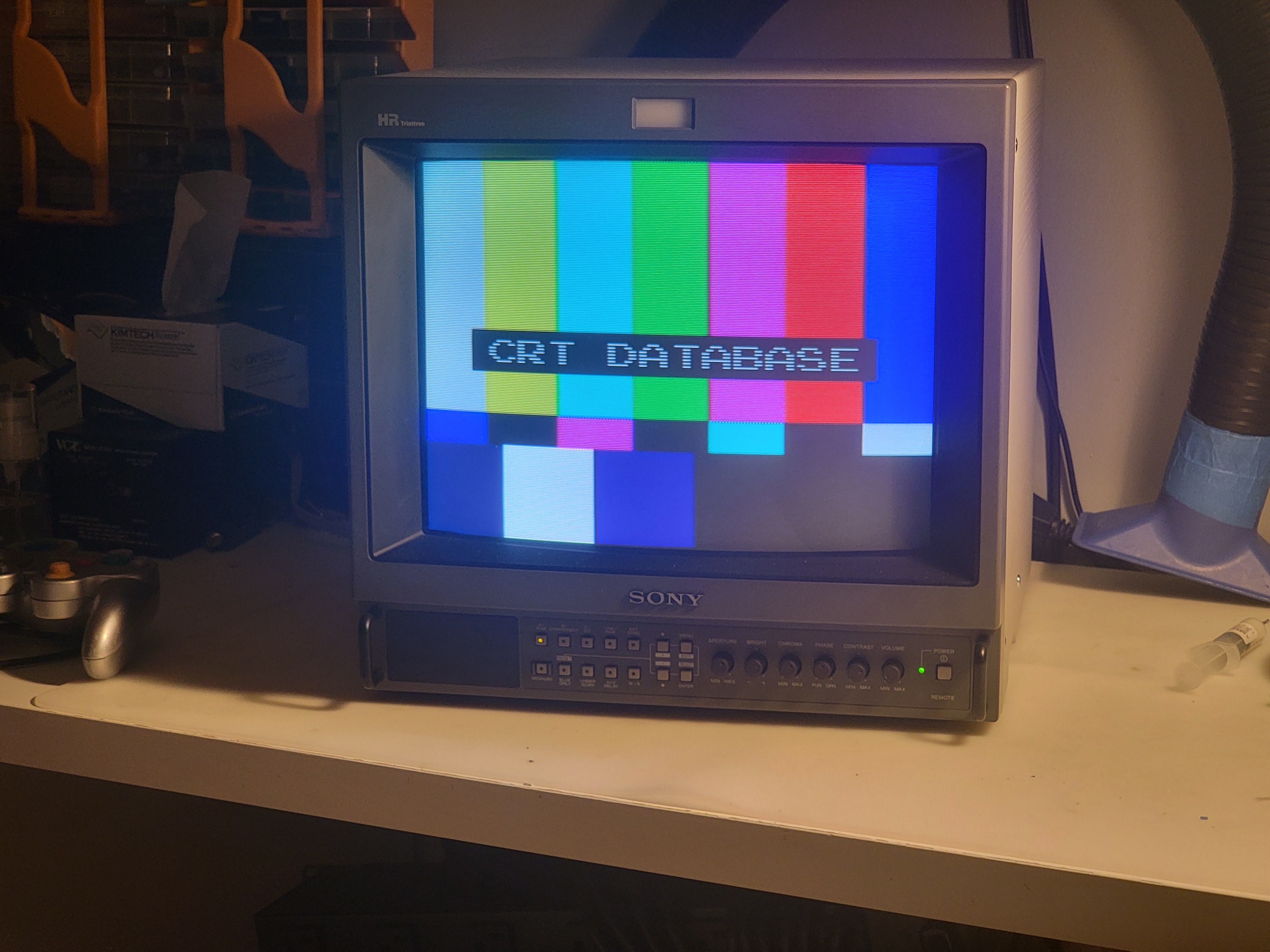
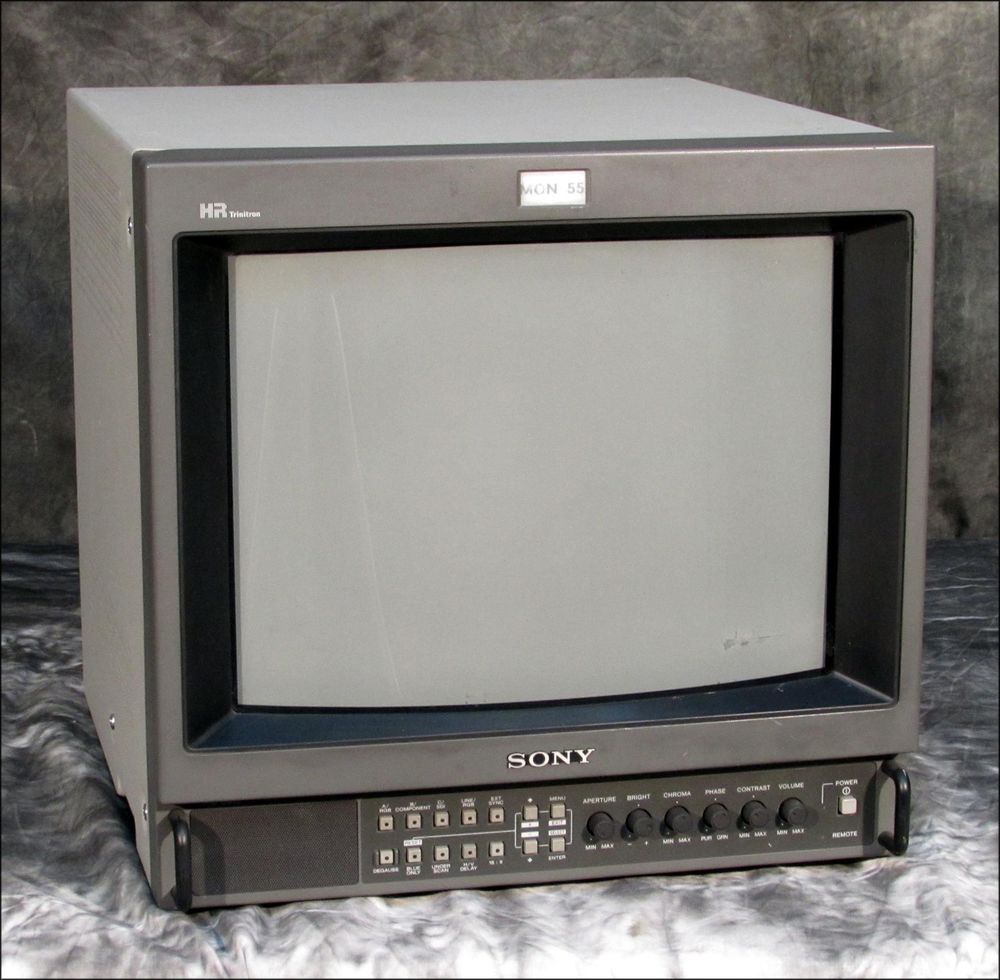
Gallery
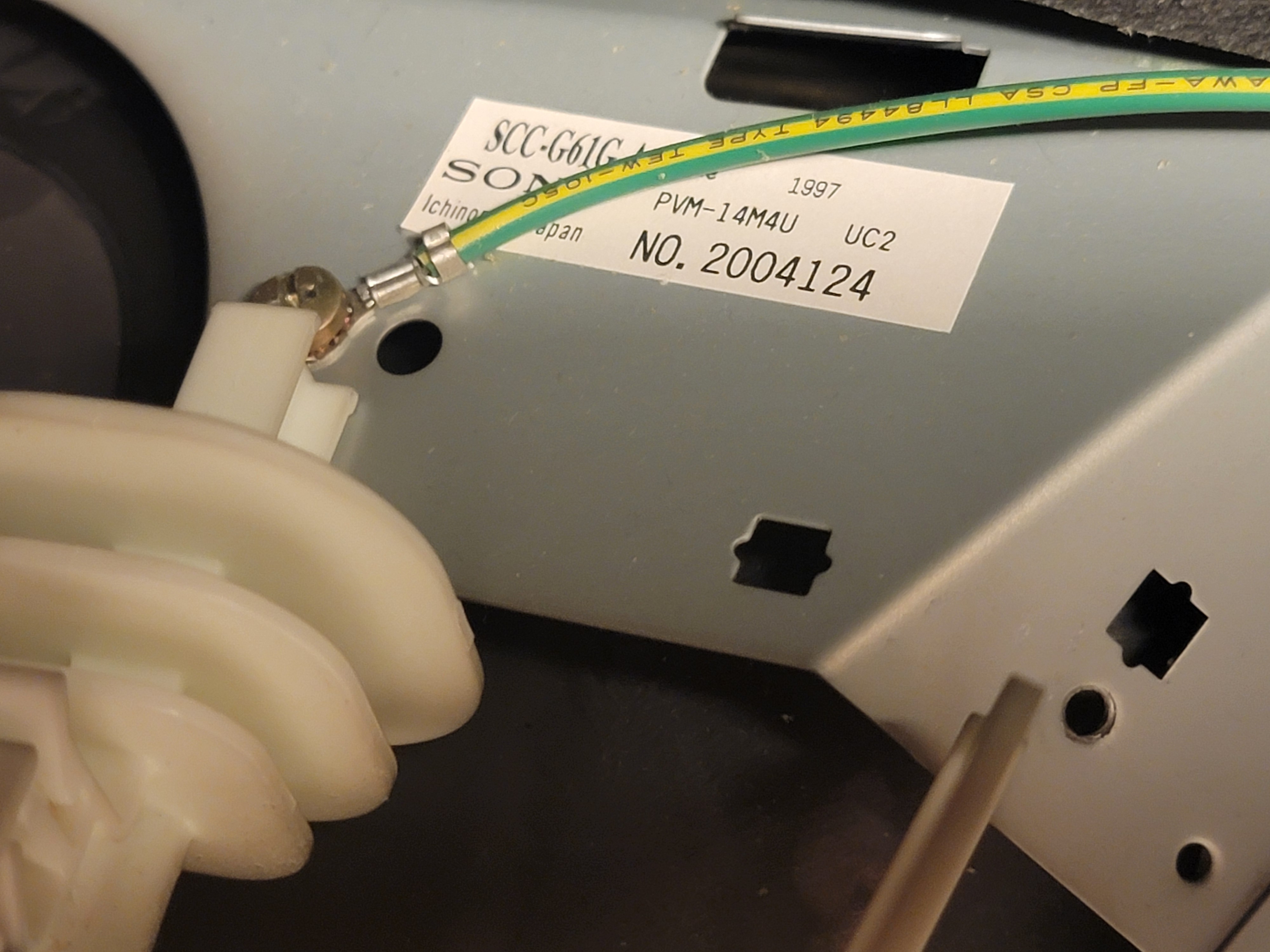
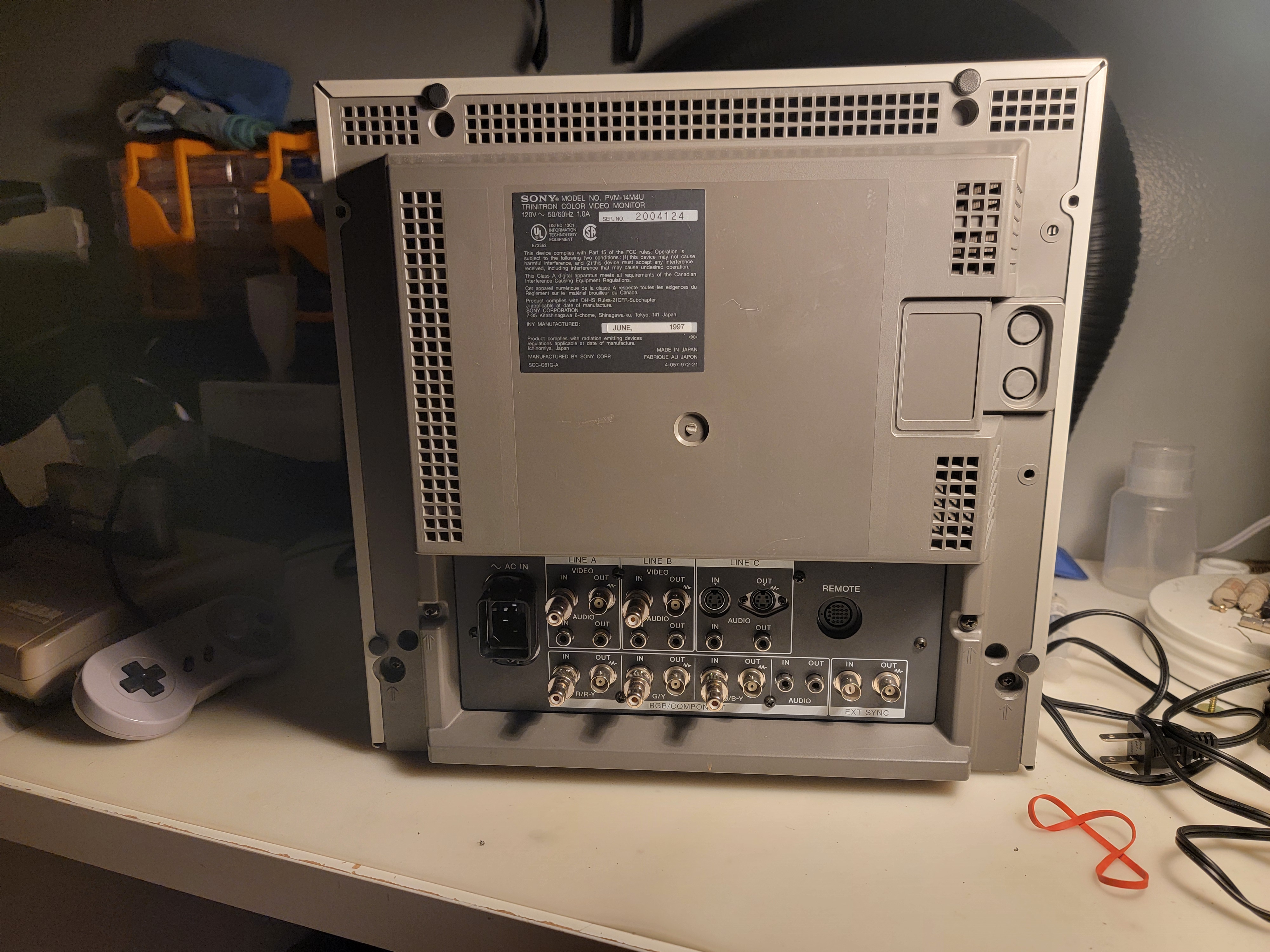
| Specifications | |
|---|---|
| Brand: | Sony |
| Manufacturer: | Sony |
| Model: | 14M4U, 14M4E, 14M4A |
| Series: | PVM M-Series |
| Viewable Size: | 13" |
| Input Signals: | Composite, S-Video, Component YPbPr, Analog RGB |
| Sync: | CSYNC, Sync over Composite |
| Native Resolutions: | 240p, 480i |
| Linecount: | 800 TVL |
| Horizontal Scan Range: | 15 kHz |
| Vertical Scan Range: | 50 Hz, 60 Hz |
| Formats: | NTSC, PAL, NTSC4.43, SECAM |
| Aspect: | 4:3 |
| Expansions: | BKM-101C (SDI Video), BKM-102 (SDI Audio) |
| Adjustments: | External Potentiometers, OSD Customer Controls, OSD Service Menu |
| Focus Type: | Dual |
| Tube: | Sony HR Trinitron , M34LHF20X |
| Deflection: | 90° |
| Mask: |
Aperture Grille

|
| Pitch: | 0.25 mm, .25 mm |
| Tint: | Light |
| Speakers: | Mono |
| Chassis: | SCC-G61G·A, SCC-G62F-A, SCC-N17B-A |
| Weight: | 37 lbs (16.8 kg) |
| Dimensions (W/H/D): |
346 x 340 x 431 mm
(13.6 x 13.4 x 16.9") |
| Application: | Professional |
| Cabinet Material: | Metal |
| Launched: | 1997 |
| Country of Manufacture: | Japan |
| Mounting: | Rackable |
| Degaussing: | Automatic on Power-on, Manual |
 This work is licensed under a