Summary
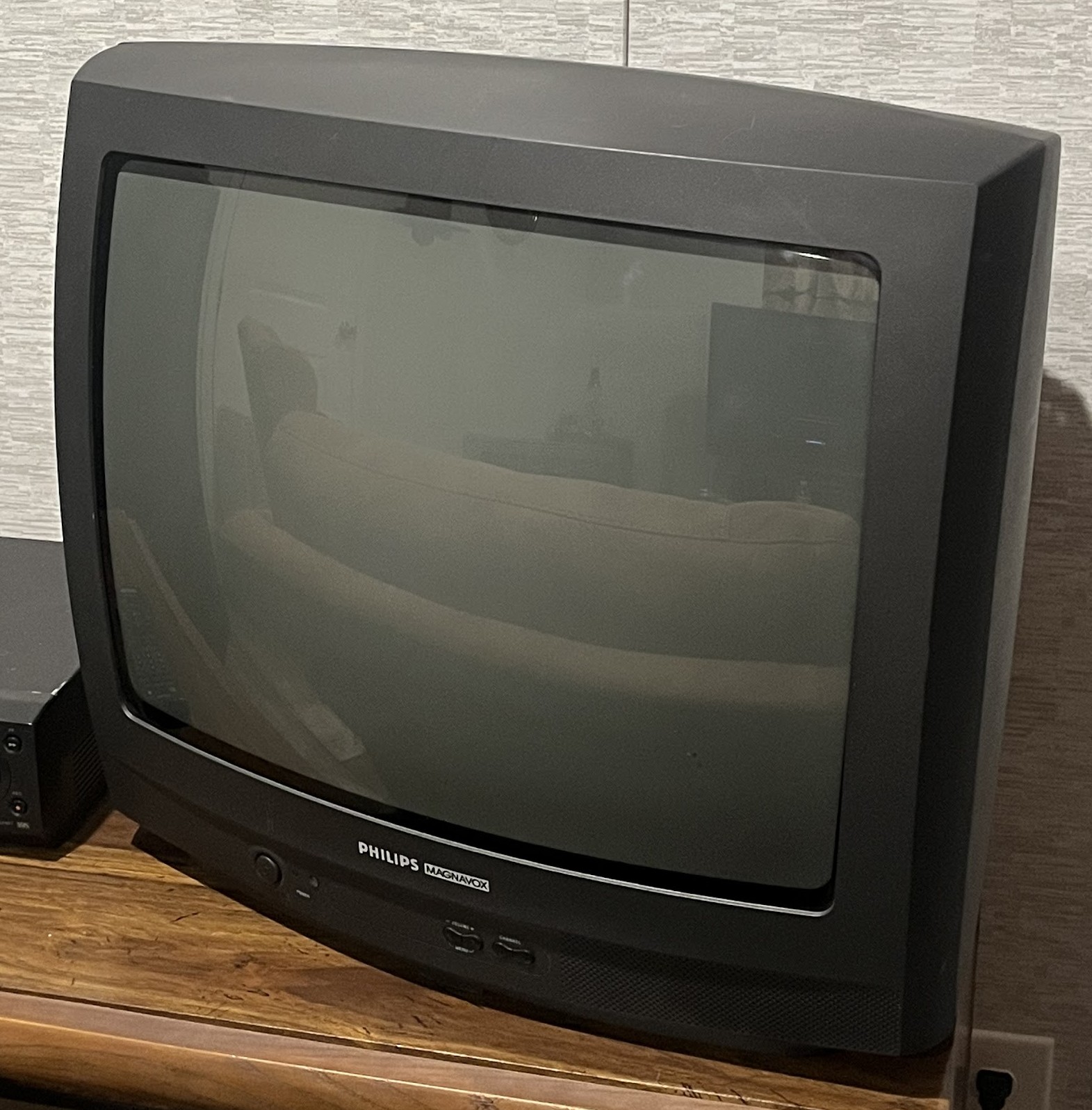
A 20" RF only set with mono speakers.
Manuals
Notes
To access the menu screen on the TV without the remote you must press the up and down volume buttons at the same time.
There are 3 types of service modes:
- Service Default Mode (0, 6, 2, 5, 9, 6, Menu)
Set options, read/erase error codes, displays tube on hours, shows firmware version.
- Service Allignment Mode (0, 6, 2, 5, 9, 6, Status)
Adjust color and geometry along with audio,
- Customer Service Mode (Not very useful)
Shows error codes and current operation settings.
To enter, press and hold Mute for 4 seconds on the remote and any key (except power) for more than 4 seconds, until "CSM" is displayed.
All modes can be exited with a power cycle.
Gallery
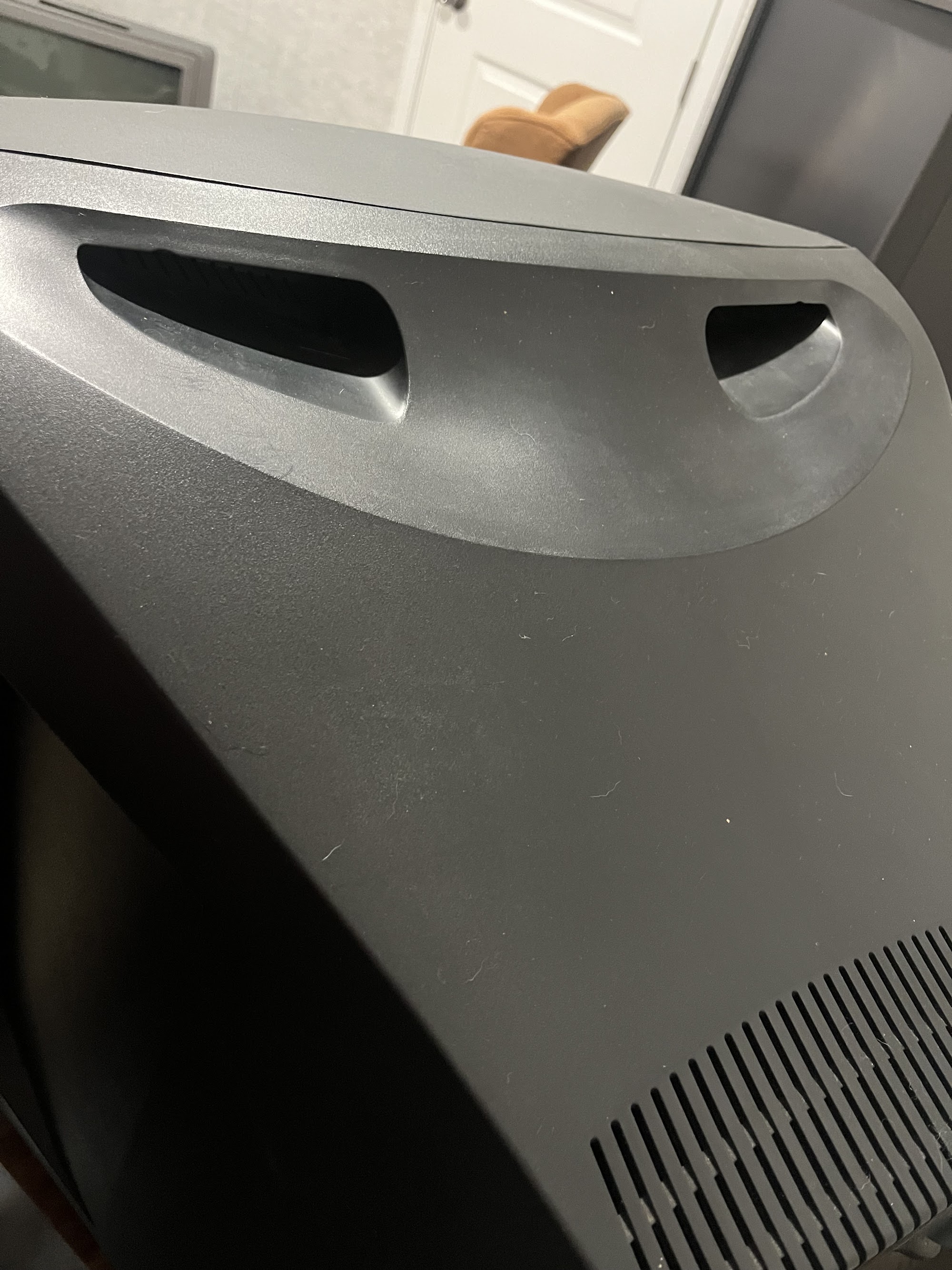
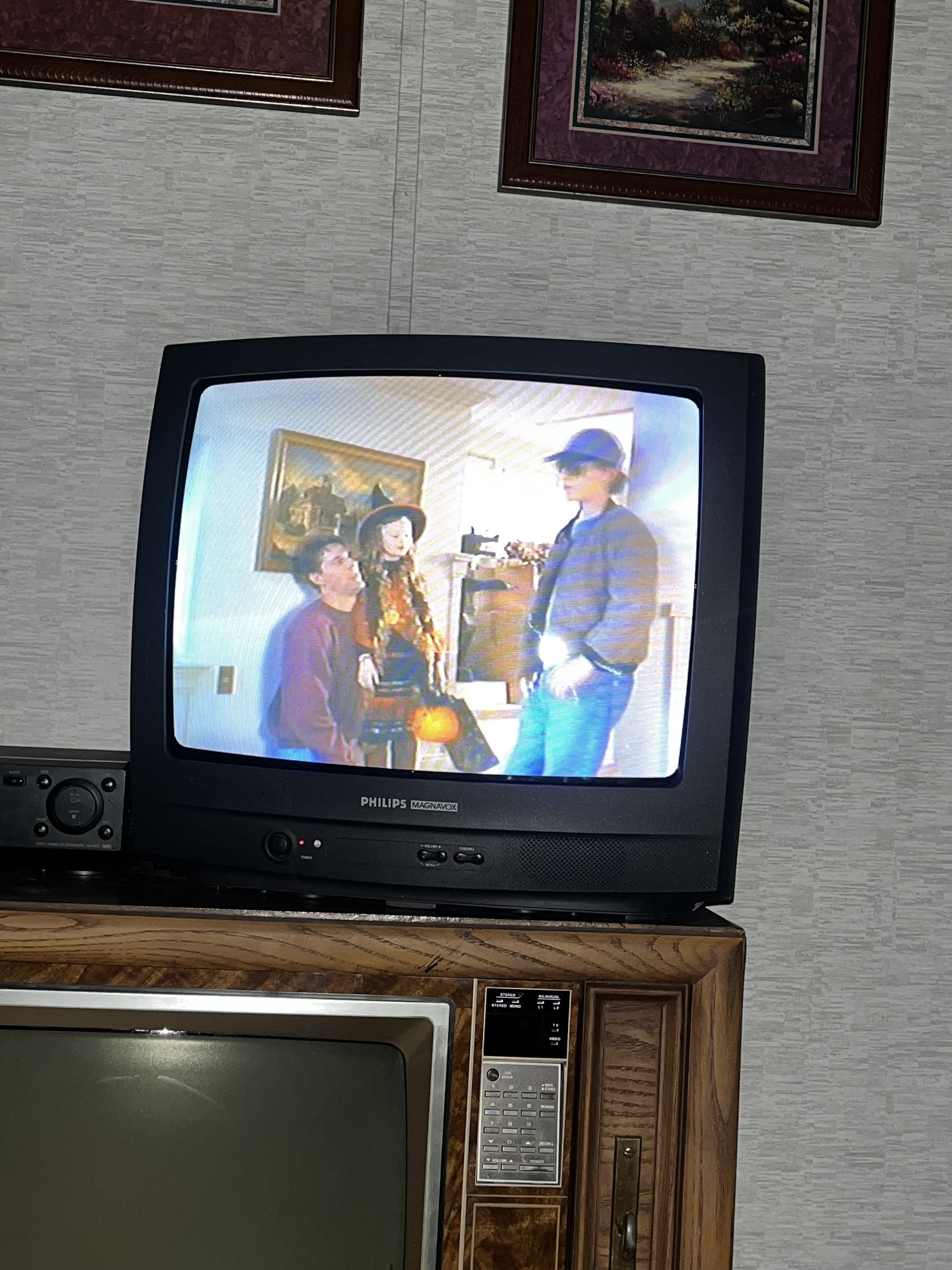

| Specifications | |
|---|---|
| Brand: | Philips Magnavox |
| Manufacturer: | Philips |
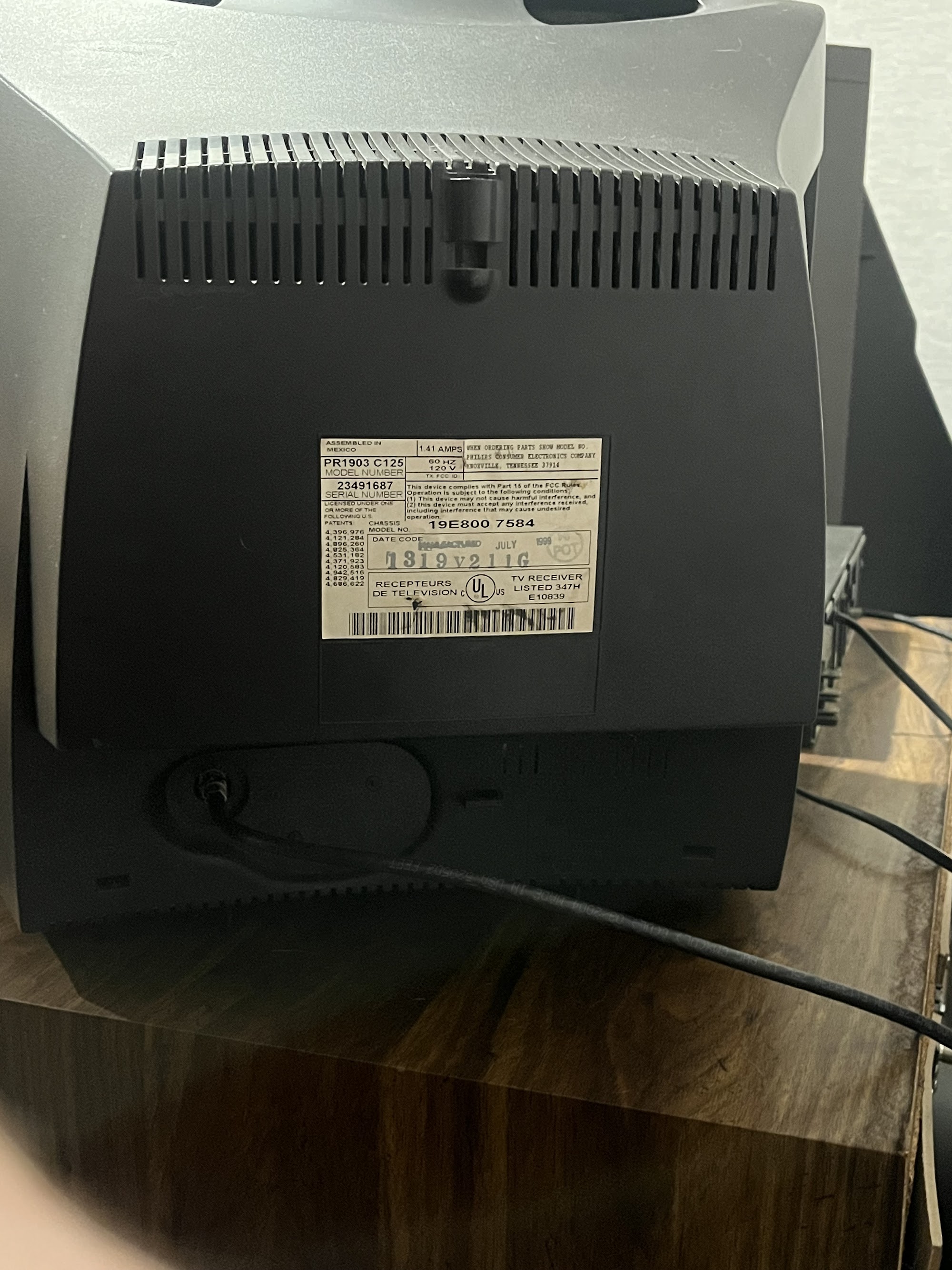
| Model: | PR1903 C125 |
| Viewable Size: | 20" |
| Input Signals: | RF |
| Native Resolutions: | 240p, 480i |
| Horizontal Scan Range: | 15 kHz |
| Vertical Scan Range: | 60 Hz |
| Formats: | NTSC |
| Aspect: | 4:3 |
| Adjustments: | OSD Customer Controls |
| Horz. Output Transistor: | BUT11APX |
| Vertical Output IC: | TDA9302H |
| Jungle IC: | TDA8846 |
| Flyback: | AT2078 |
| Focus Type: | Single |
| Tube: | A48KRD89X , A48KRD89X03 , Samsung |
| Deflection: | 90° |
| Mask: |
Slot

|
| Speakers: | 1.0W, Mono |
| Remote: | RC0702/04 |
| Chassis: | 00EME830, EME830 |
| Application: | Consumer |
| Cabinet Material: | Plastic |
| Launched: | 1999 |
| Country of Manufacture: | Mexico |
| Market: | North America |
| Power Standard: | 120v |
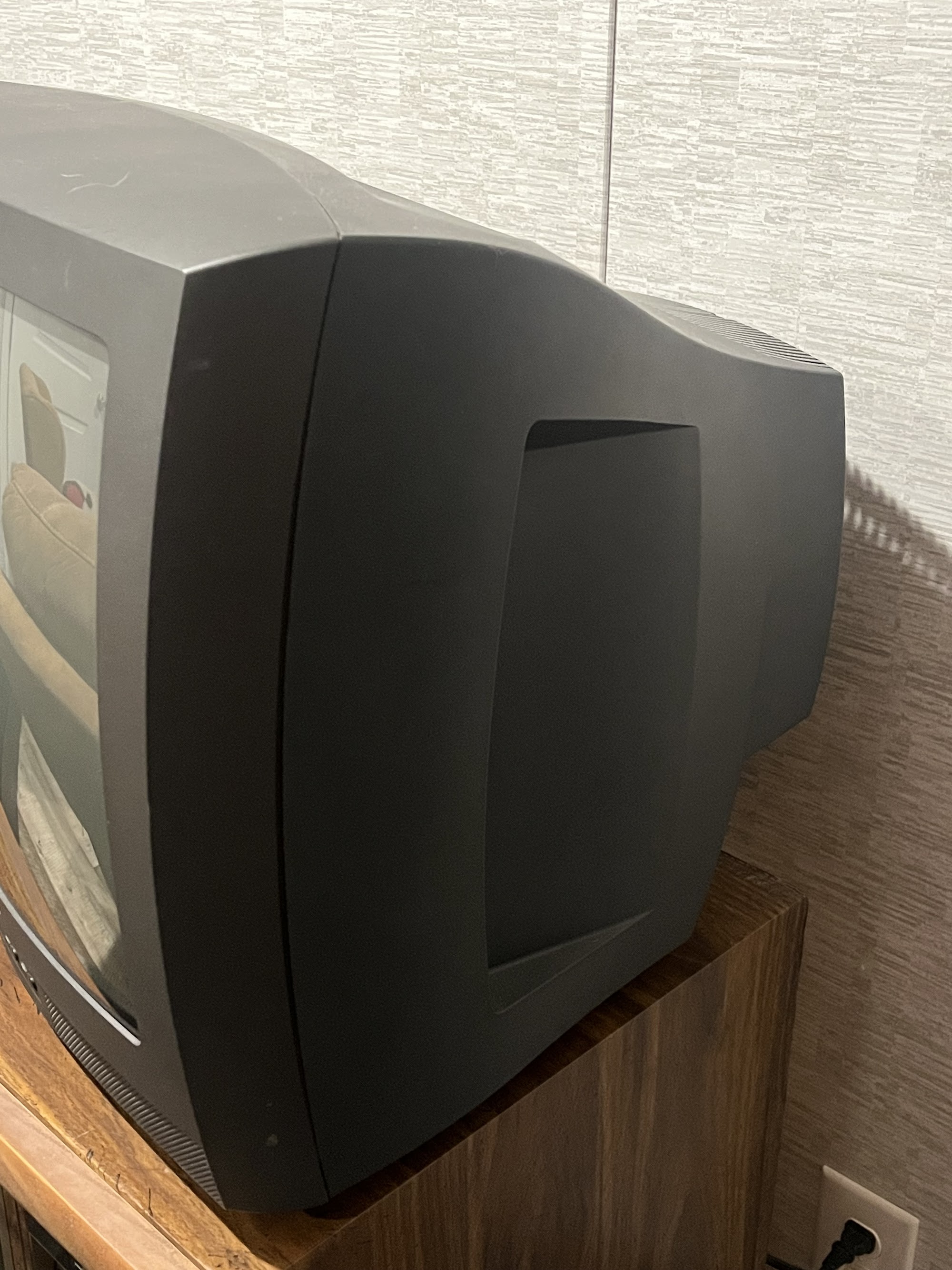
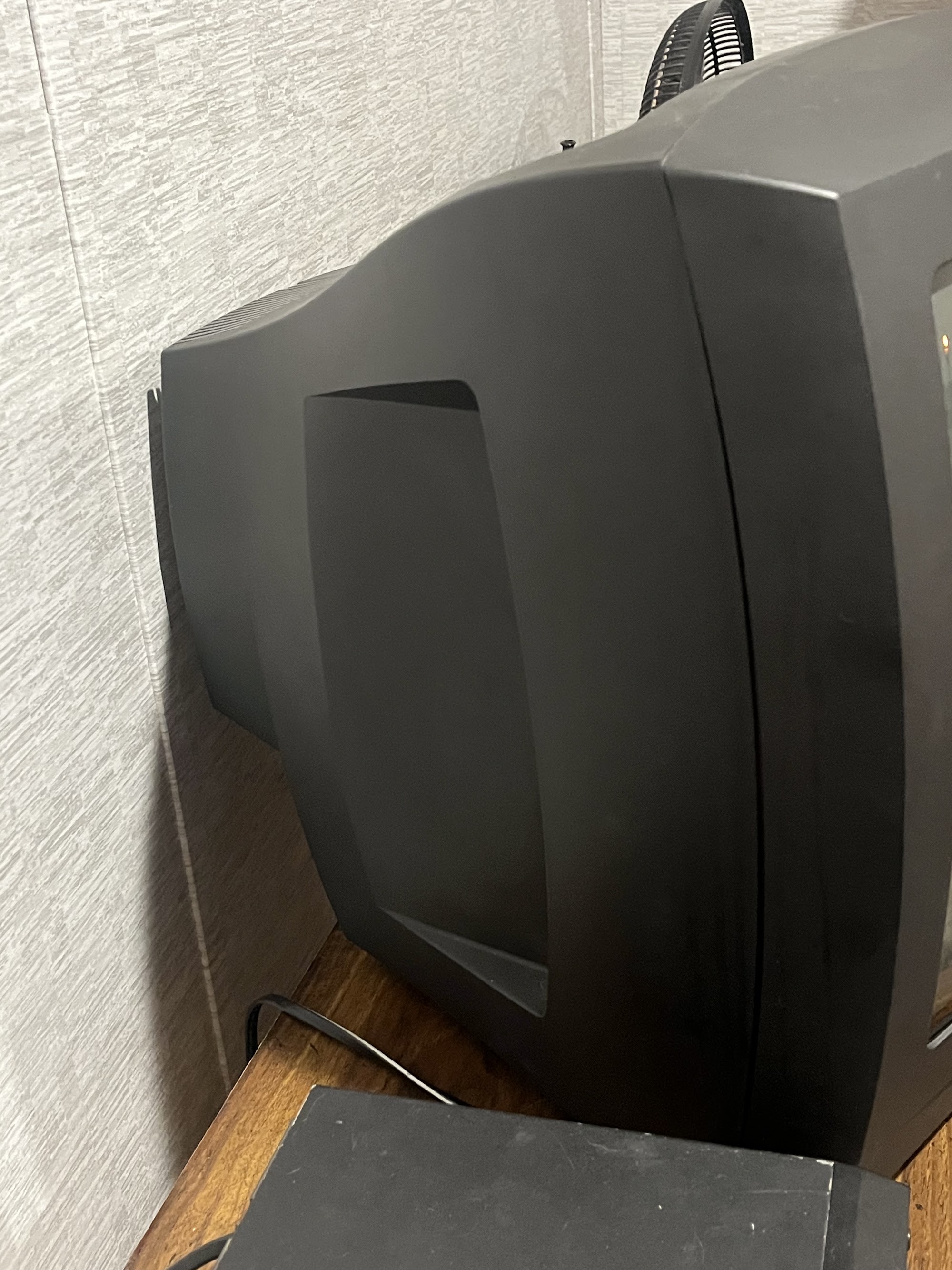
| Mounting: | Carrying Handle, Table Surface (Standard) |
| Degaussing: | Automatic on Power-on |
| Tag: | Community Submission, Needs Measurements, Needs Yoke Info |
 This work is licensed under a