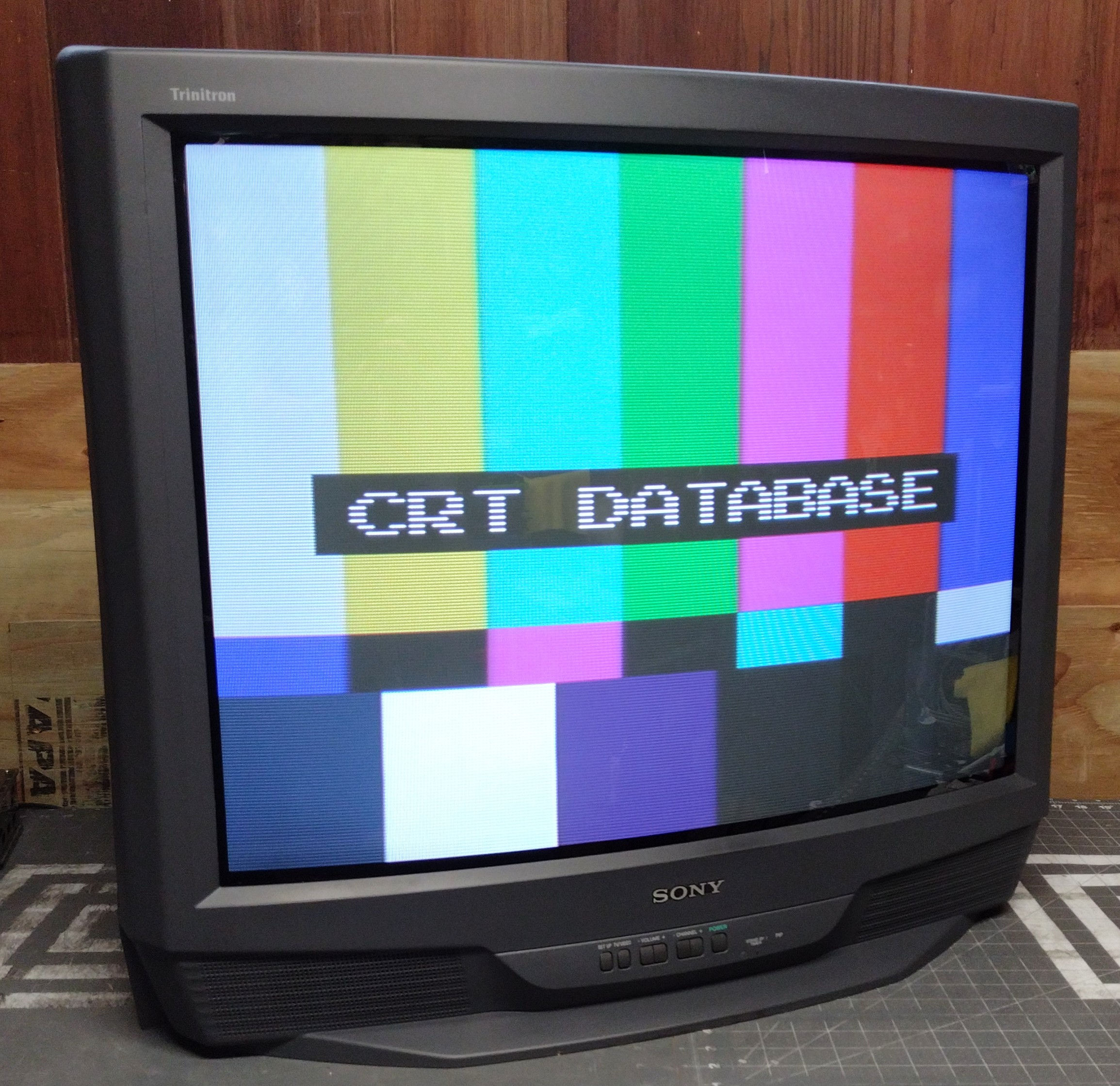
Summary
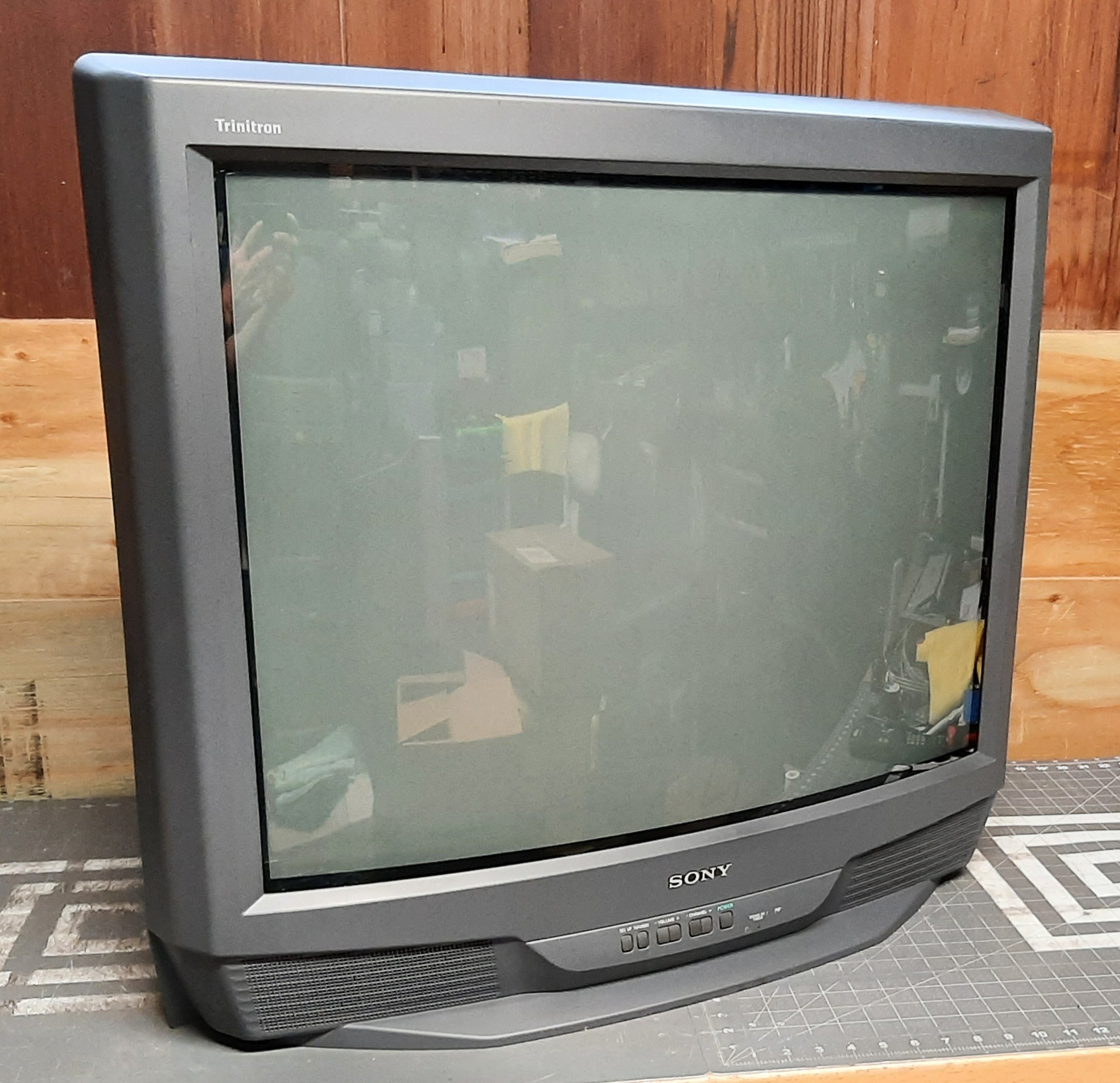
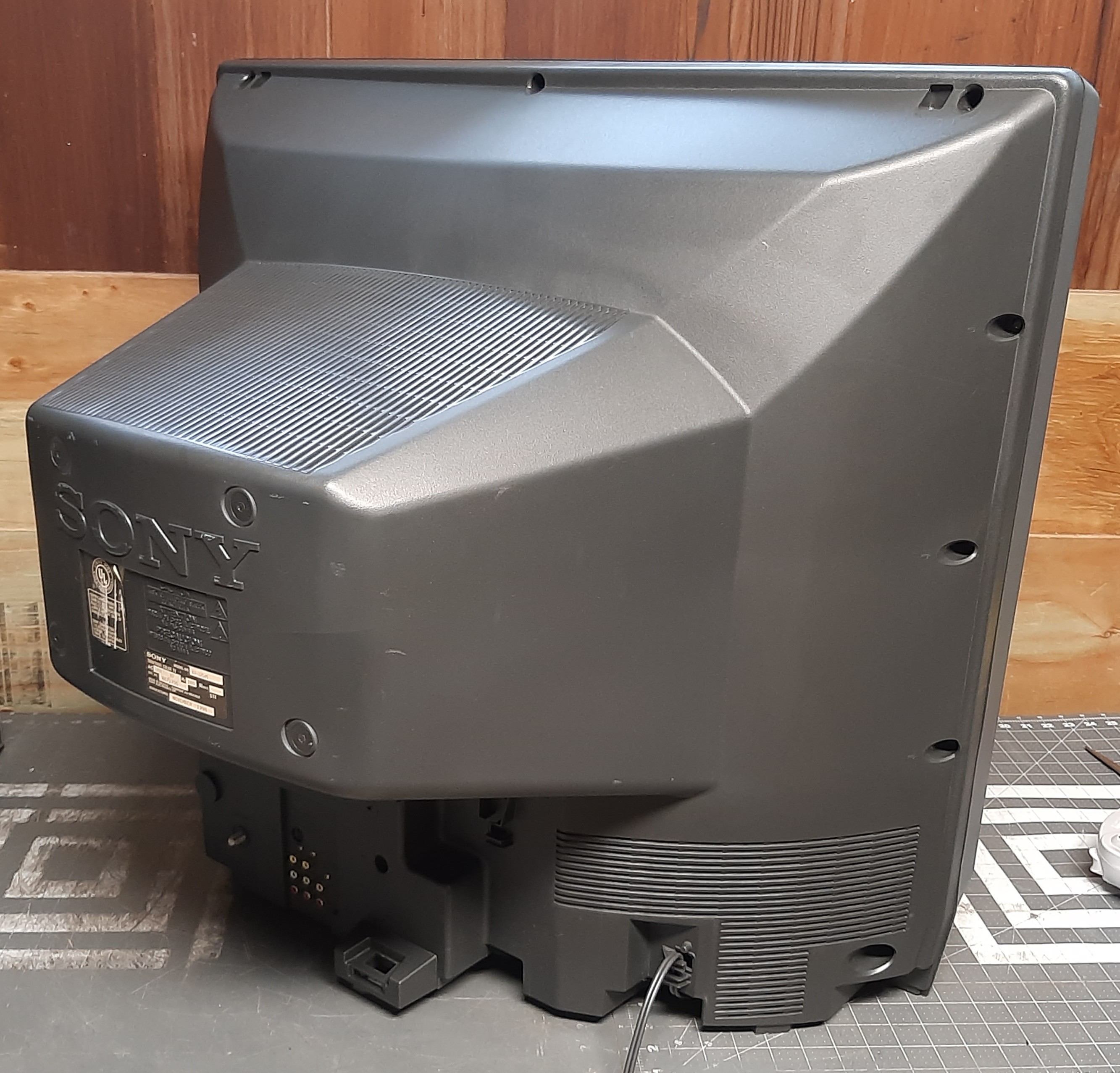
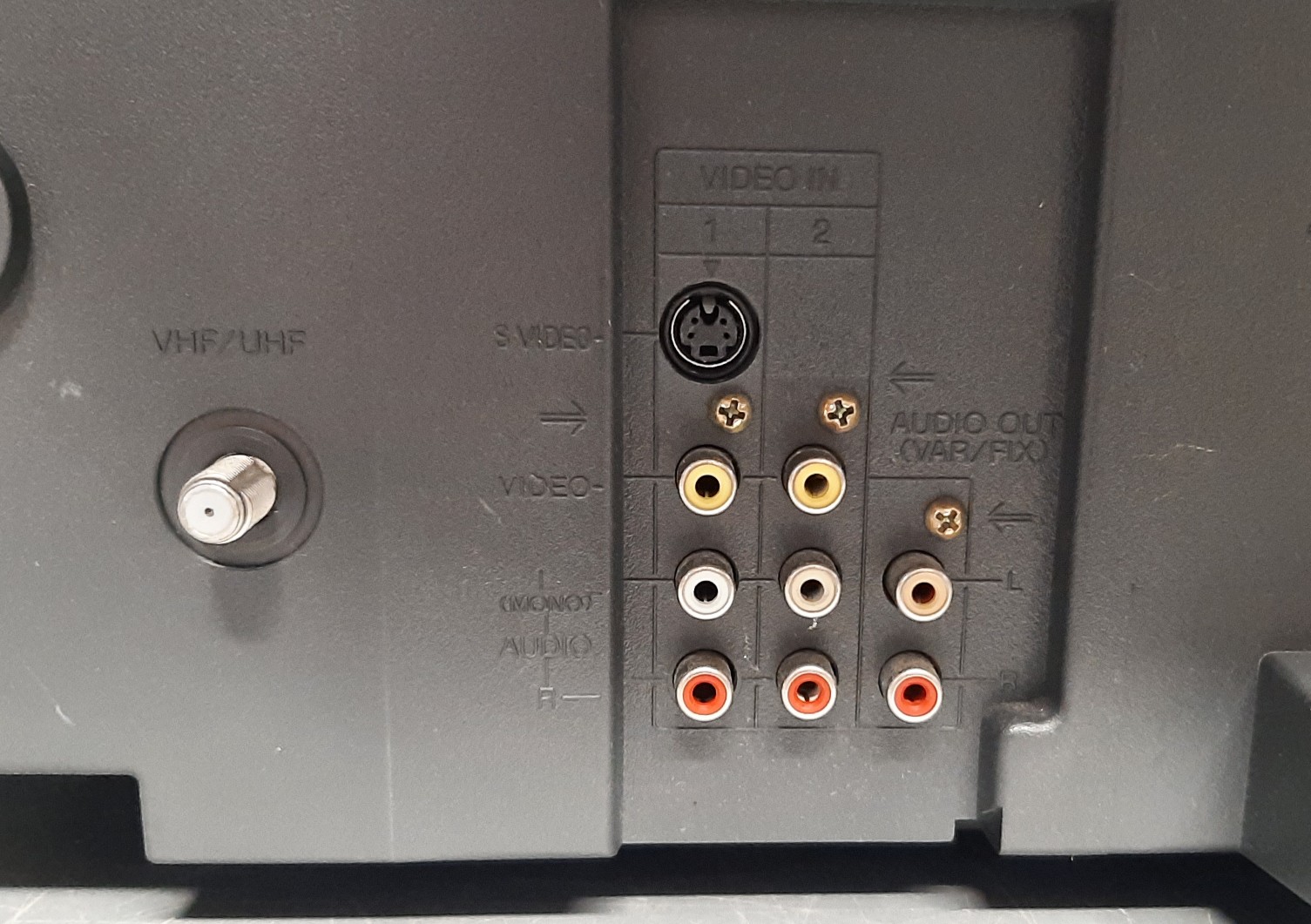
32" TV from 1998, part of Sony's 2nd last lineup of curved sets. It is identical to the KV-32S40, but with a 2nd AV input and a PIP feature. All 32-inch curved models from the 1998 line have S-video, Velocity Modulation (which can be disabled by unplugging it internally), and a 2-line comb filter.
Manuals
Notes
Eliminating Dot Artifacts
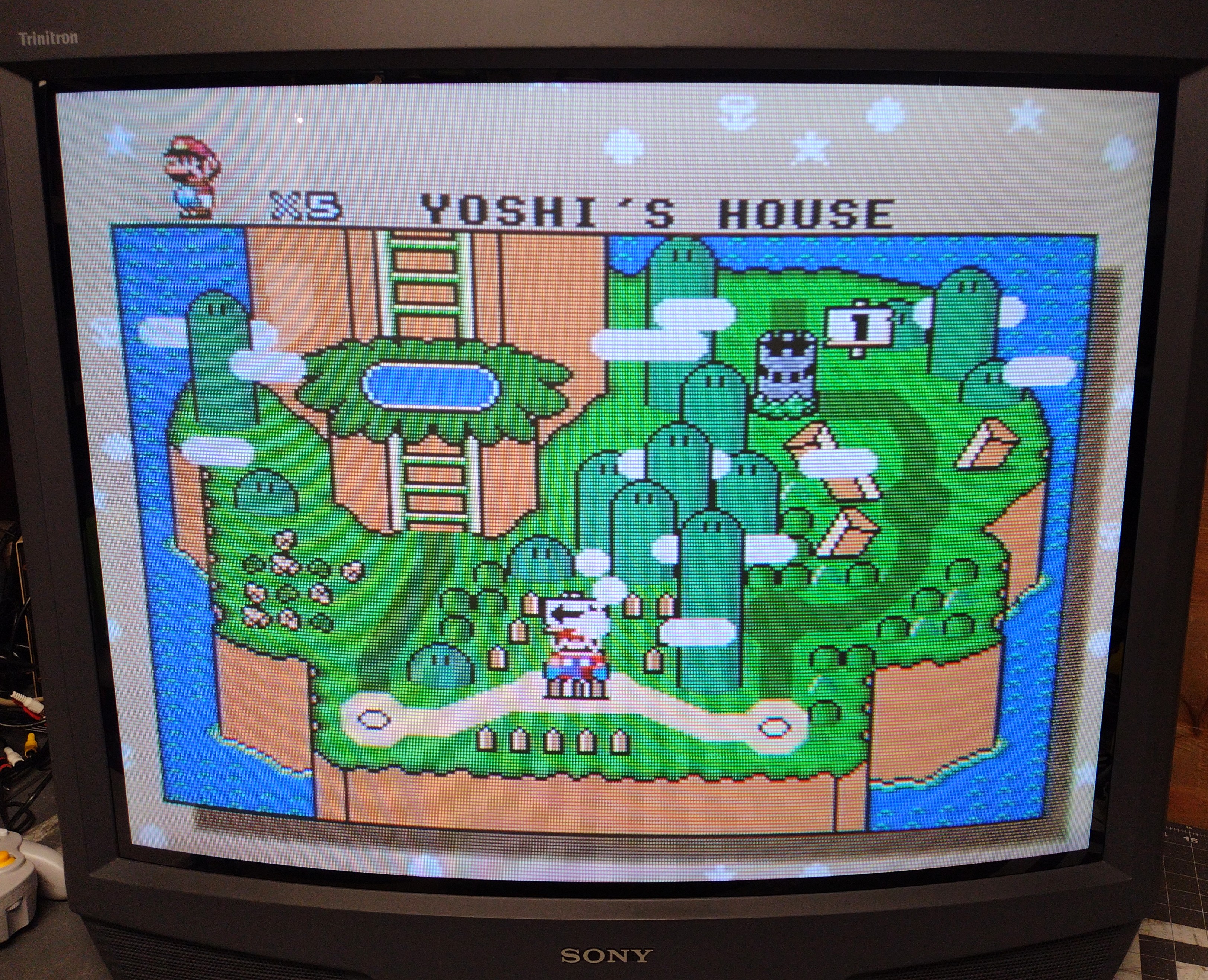
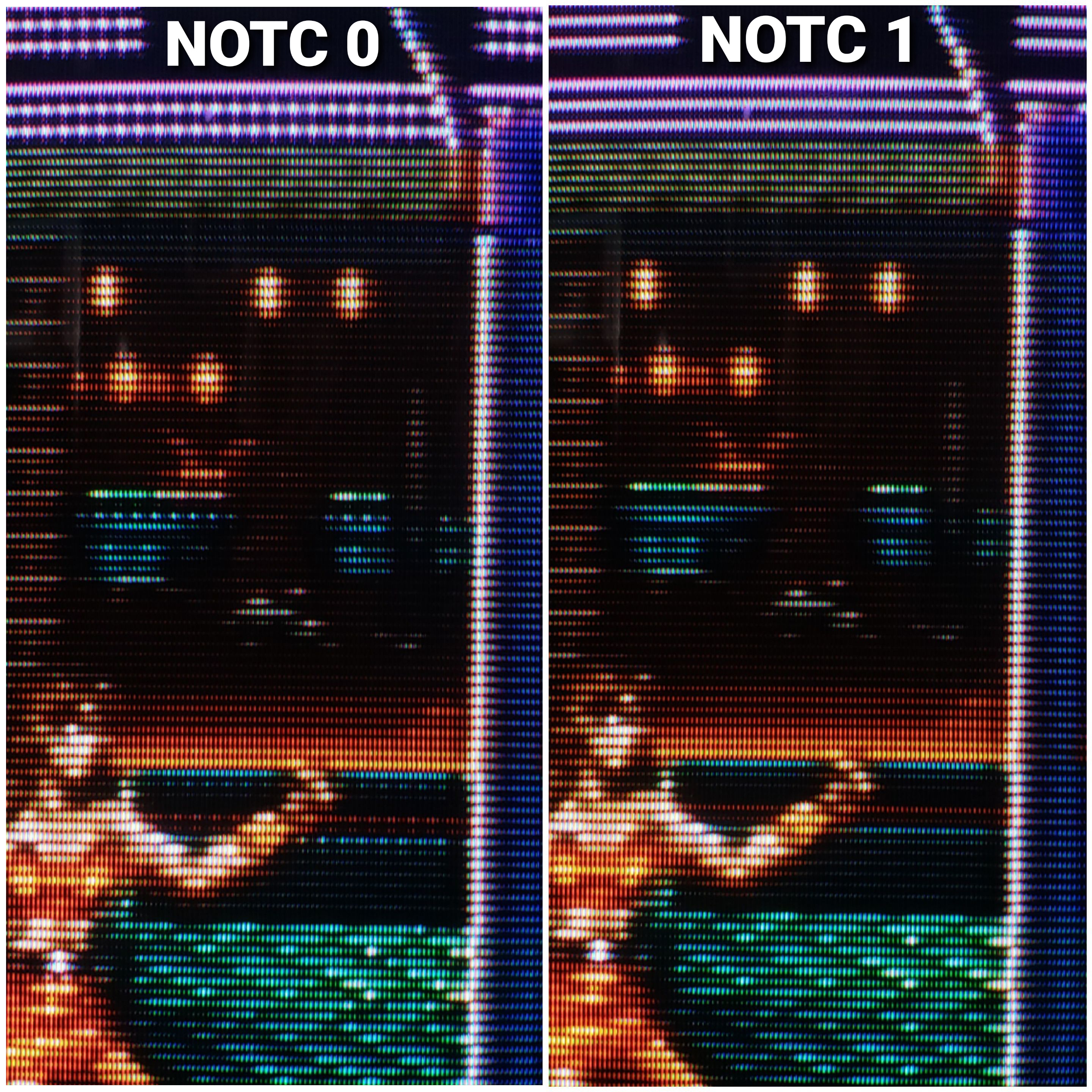
This set uses a 2-line digital comb filter which adds massive amounts of dot artifacts to composite 240p gaming content. All this extra comb filter-induced dot artifacting can be avoided by setting NOTC to 1 in the service menu when using composite. See the comparison photo in the gallery below. If using S-Video, set NOTC back to 0 to retain high frequency detail. Some manufacturers included a toggle for the notch filter in the user menu, but Sony hid it away in the service menu. Alternatively one could use an external notch filter - guide here - to avoid having to switch the toggle in the service menu when using composite.
Accessing the Service Menu
To access the service menu, while the set is off press in sequential order on the remote: Display, 5, Vol+, Power. Scroll up and down with 1 and 4, adjust values with 3 and 6, and save changes by pressing Mute and then Enter. If you intend to change other settings besides the notch filter, consider writing down the original values first.
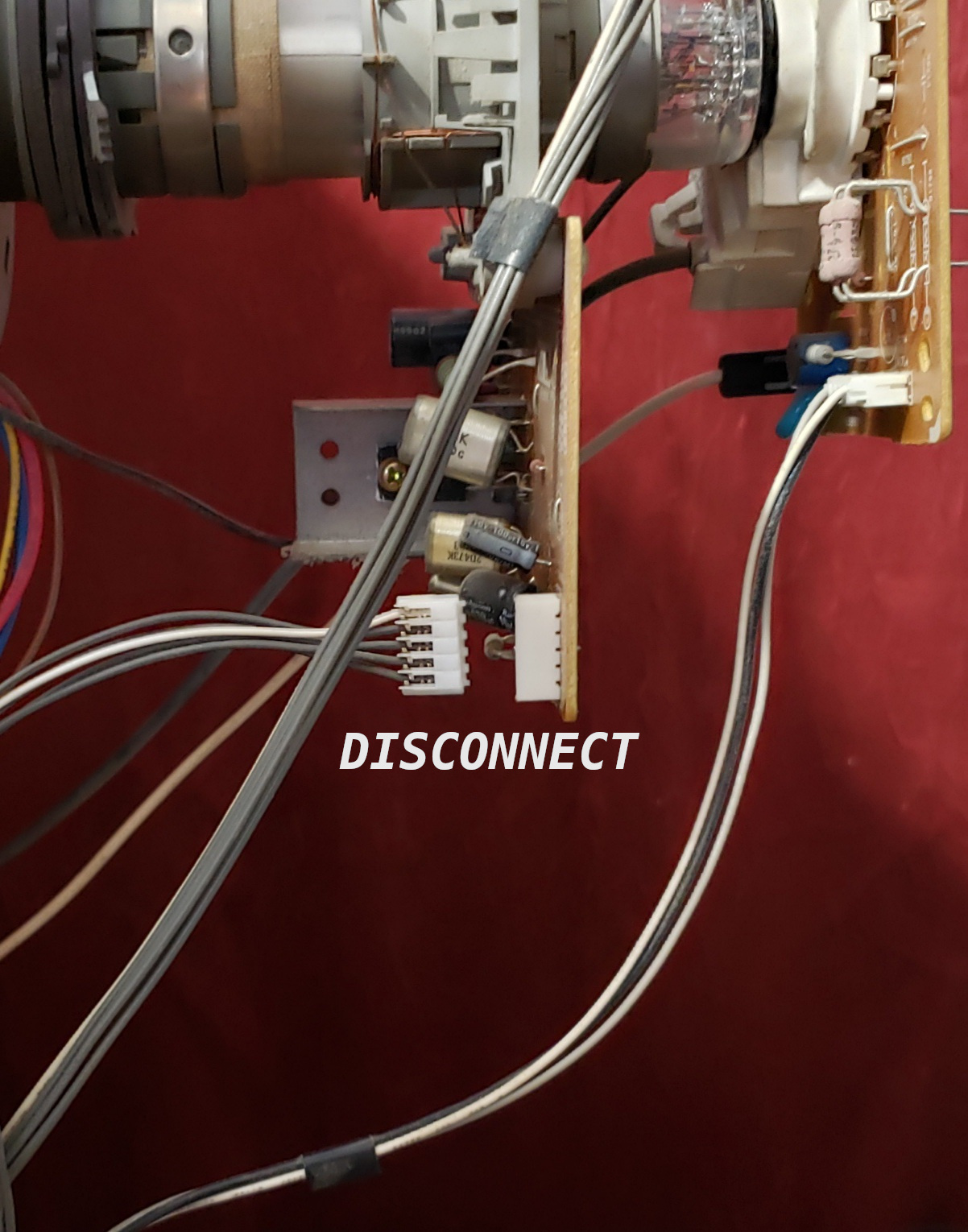
Disabling Velocity Modulation
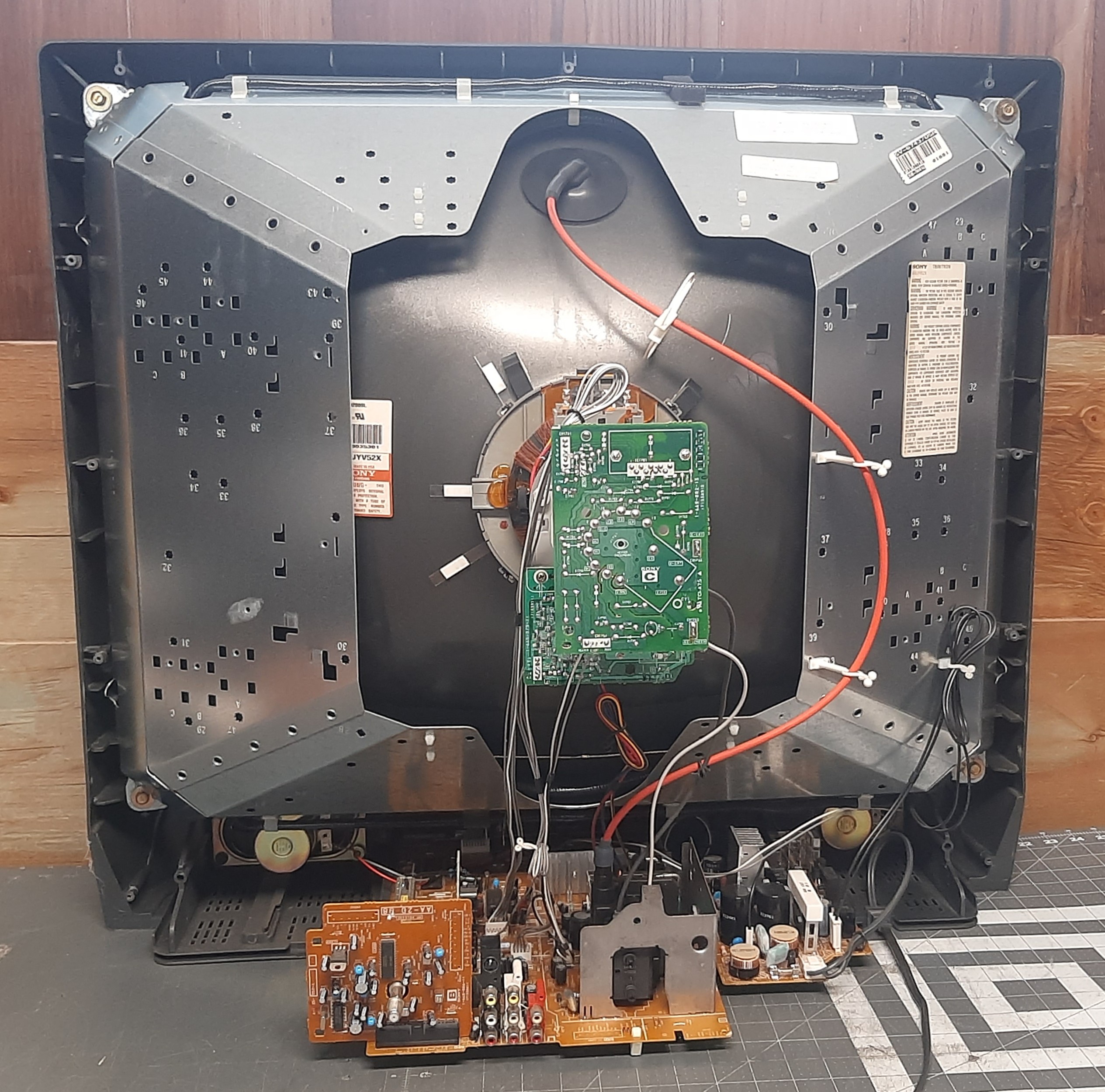
This set has velocity modulation which distorts game graphics1. To disable it, unplug the connector from the WB board pictured in the gallery below.
Gallery
| Specifications | |
|---|---|
| Brand: | Sony |
| Manufacturer: | Sony |
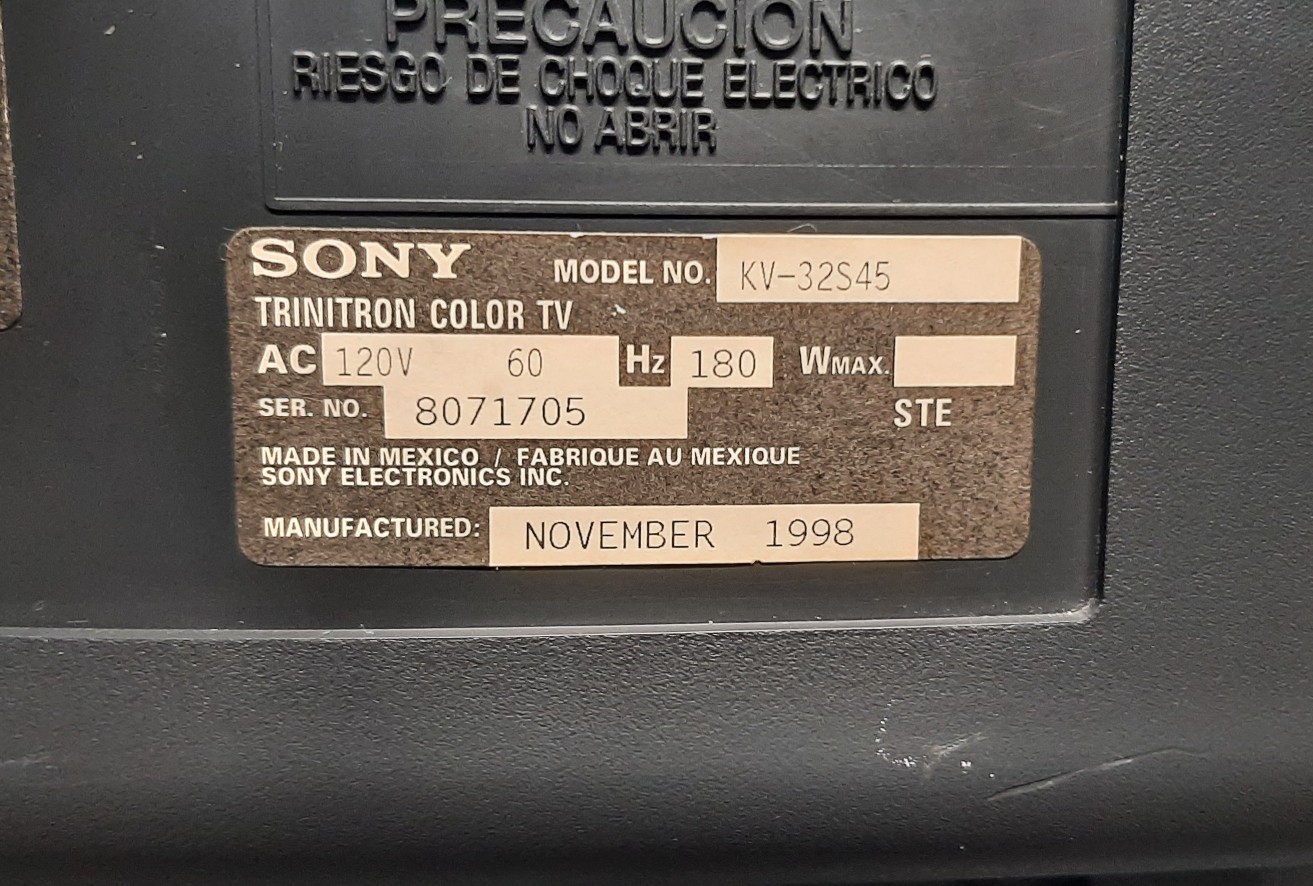
| Model: | KV-32S45 |
| Series: | KV |
| Viewable Size: | 32" |
| Input Signals: | Composite, S-Video, RF |
| Native Resolutions: | 240p, 480i |
| Horizontal Scan Range: | 15 kHz |
| Vertical Scan Range: | 60 Hz |
| Formats: | NTSC |
| Aspect: | 4:3 |
| Adjustments: | OSD Customer Controls, OSD Service Menu |
| Horz. Output Transistor: | 2SC5148 |
| Vertical Output IC: | TDA8172 |
| Comb Filter IC: | CXD2073S |
| Comb Filtering: | 2-Line Digital, Notch |
| Jungle IC: | CXA2095S |
| Flyback: | 8-598-969-00, NX-2609 |
| Focus Type: | Single |
| Tube: | Sony Trinitron , A80JYV52X |
| Deflection: | 110° |
| Mask: |
Aperture Grille

|
| Tint: | Dark |
| Removable Glare Film: | No |
| Yoke: | 8-451-482-11 |
| Yoke Horz. Resistance: | 1.1 ohm |
| Yoke Vert. Resistance: | 9.6 ohm, 9.60 ohm |
| Speakers: | Stereo, 5W x 2 |
| Remote: | RM-Y167 |
| Chassis: | AA-2D |
| Weight: | 160 lbs (72.6 kg) |
| Dimensions (W/H/D): |
791 x 707 x 604.5 mm
(31.1 x 27.8 x 23.8") |
| Application: | Consumer |
| Cabinet Material: | Plastic |
| Launched: | 1998 |
| Country of Manufacture: | Mexico |
| Market: | North America |
| Power Standard: | 120v |
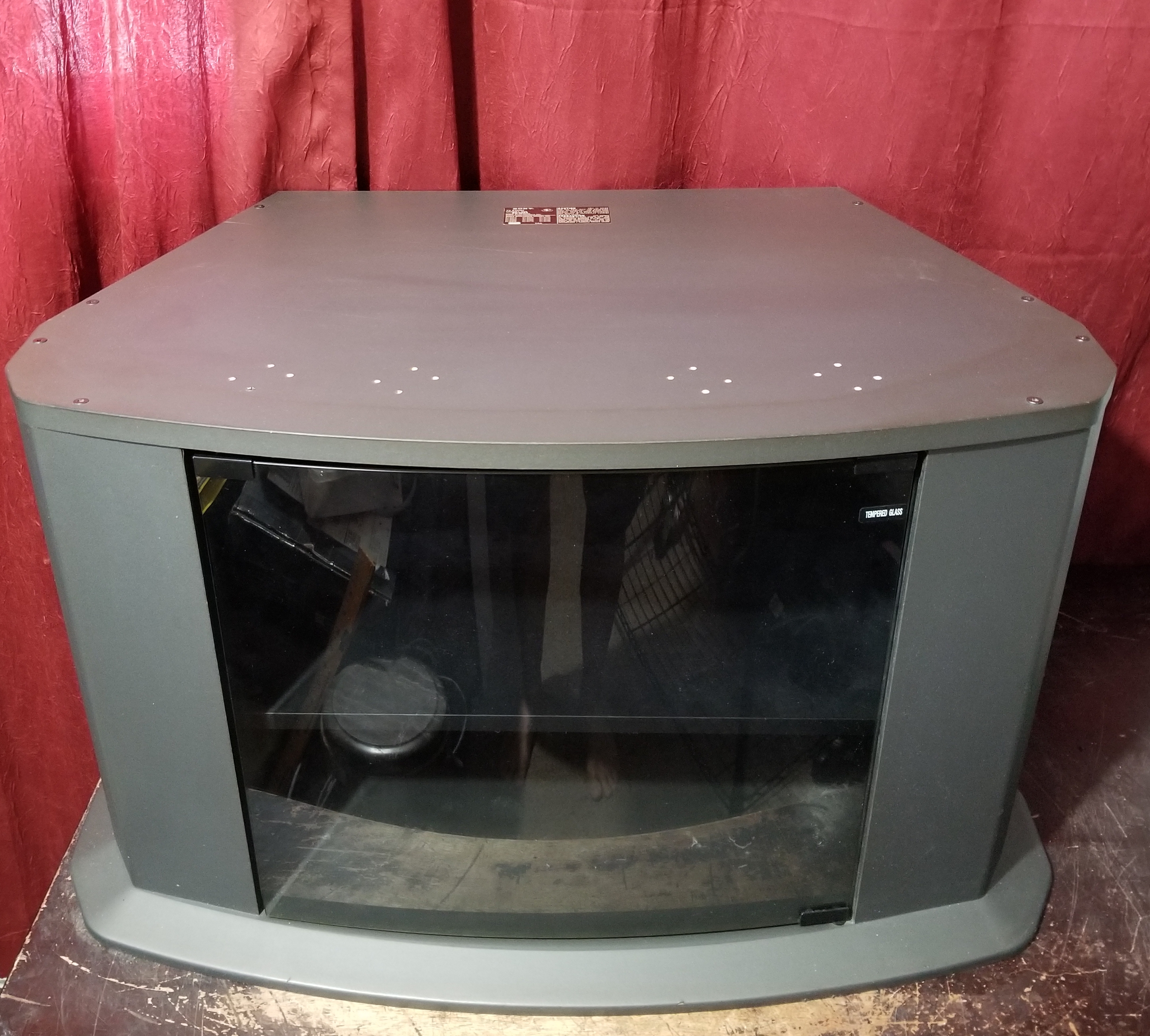
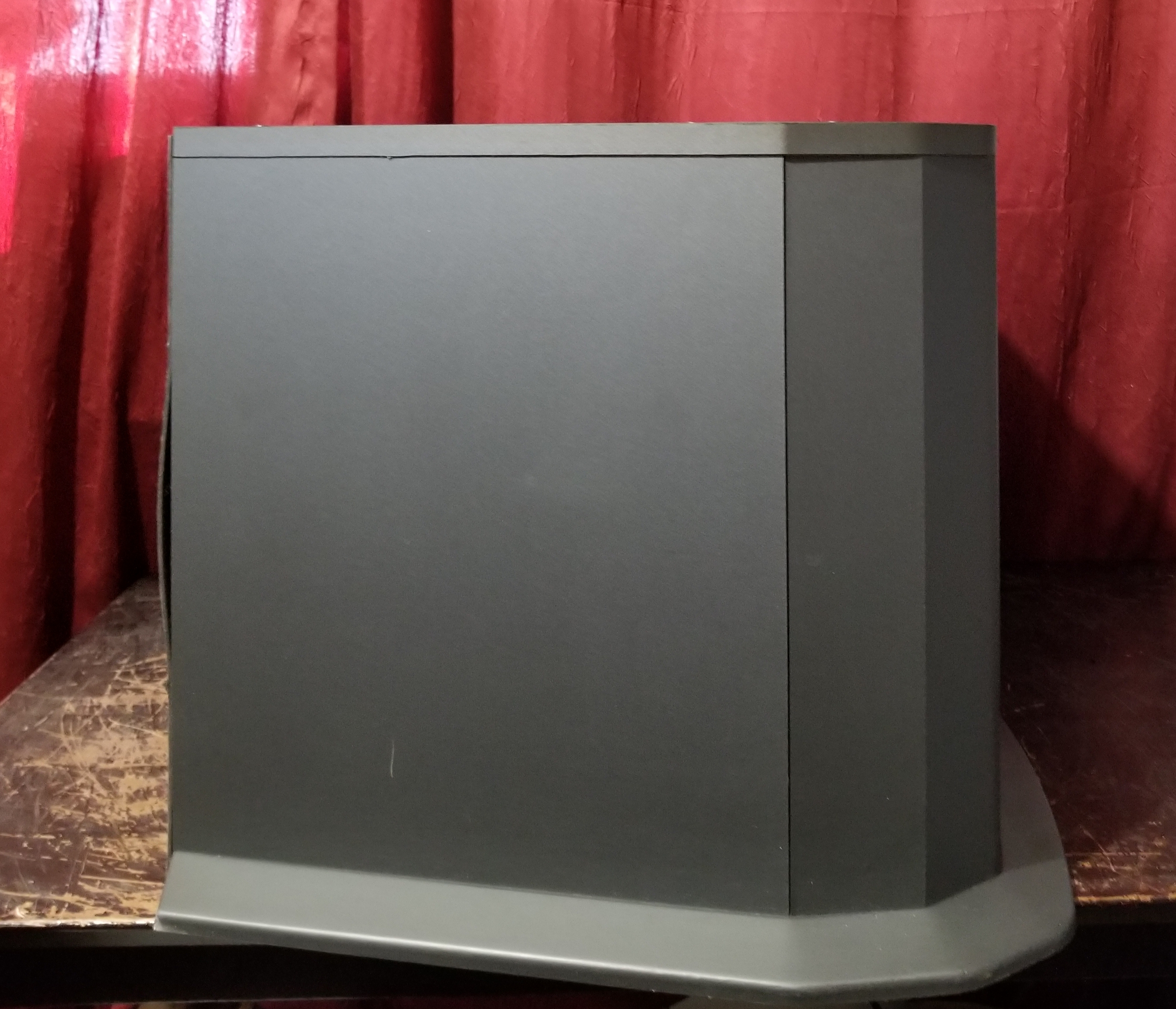
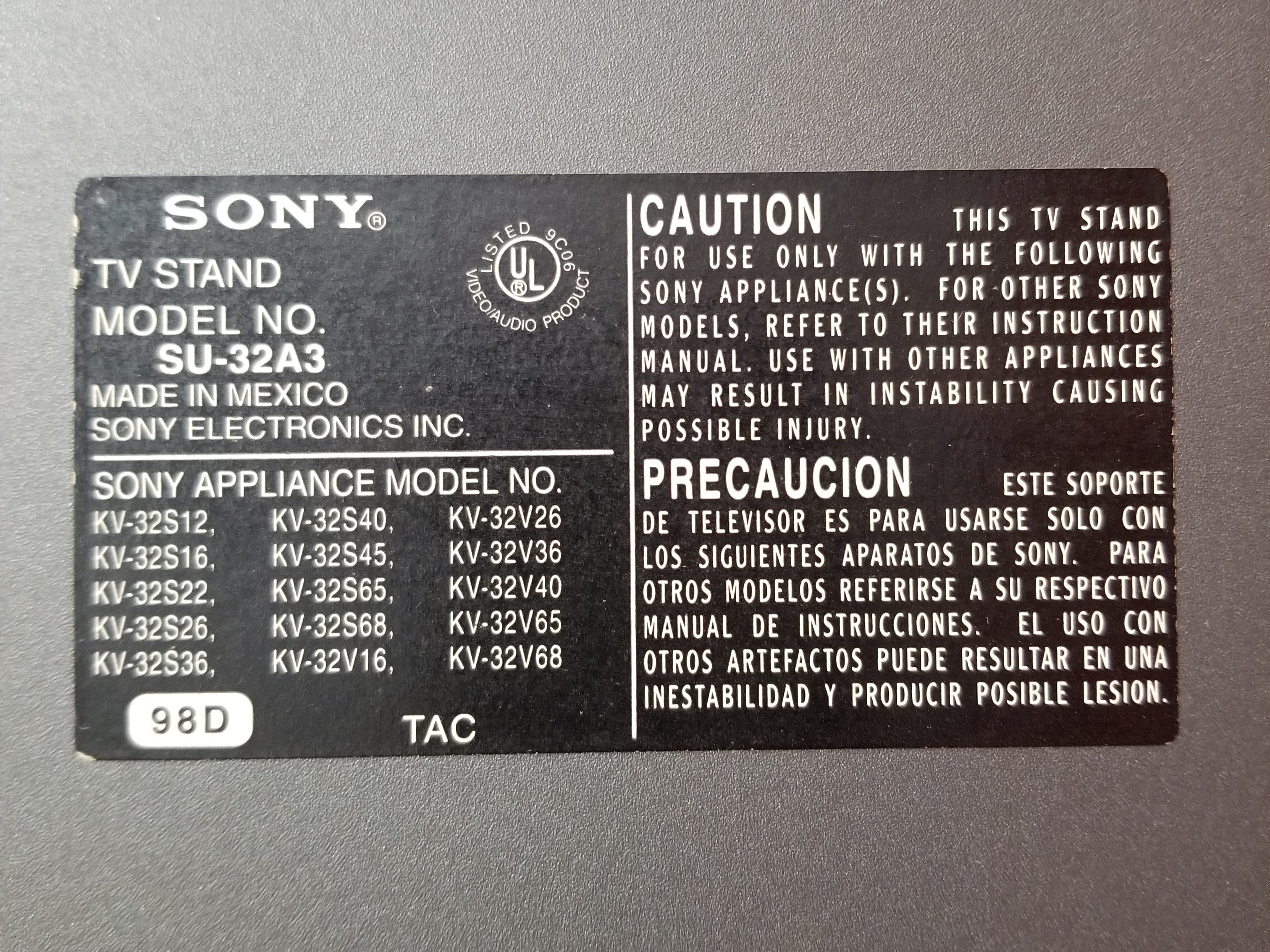
| Mounting: | OEM Stand, SU-32A3 |
| Mods: | RGB via Mux, Component YPbPr |
| Degaussing: | Automatic on Power-on |
 This work is licensed under a