Summary
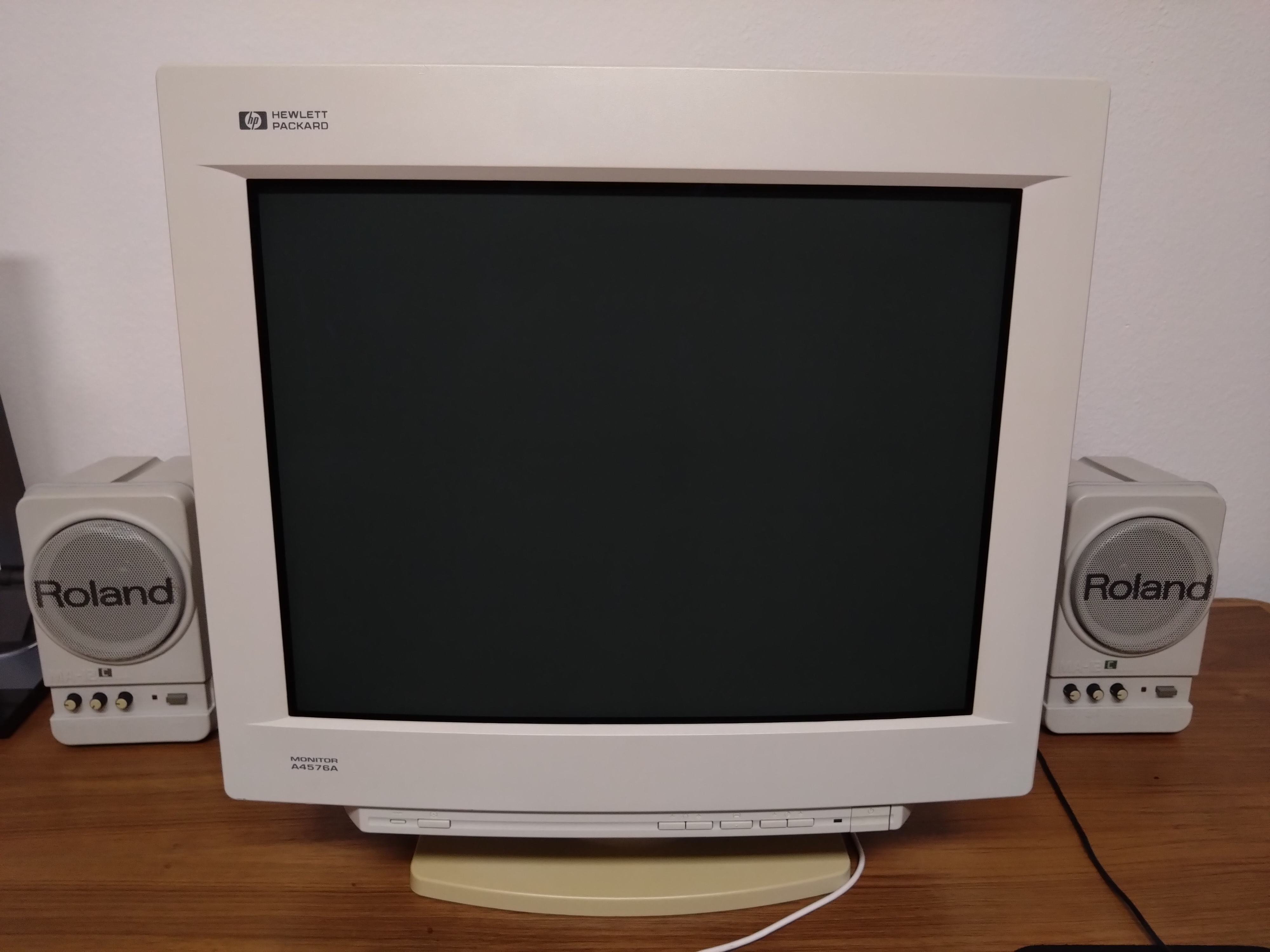
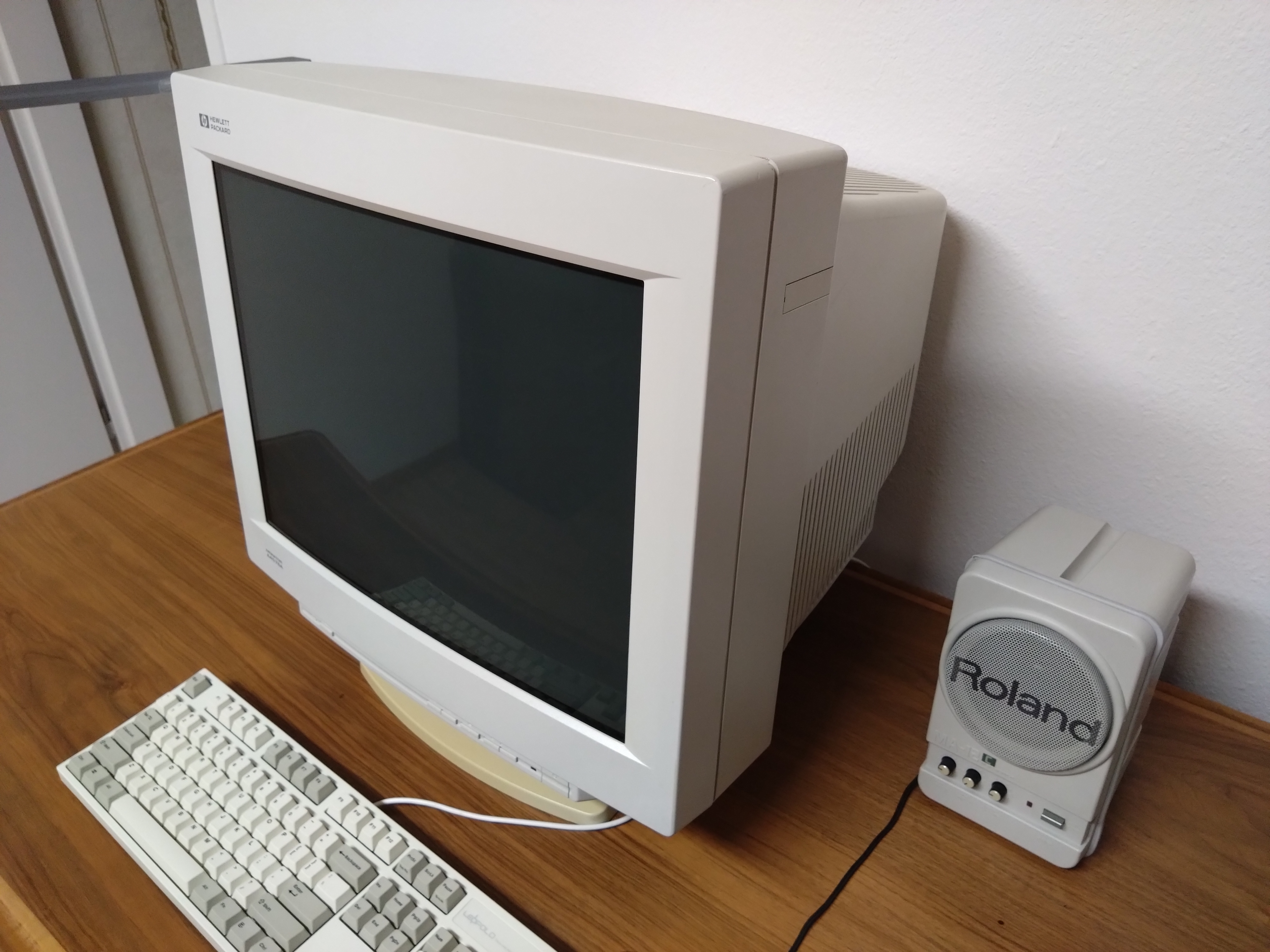
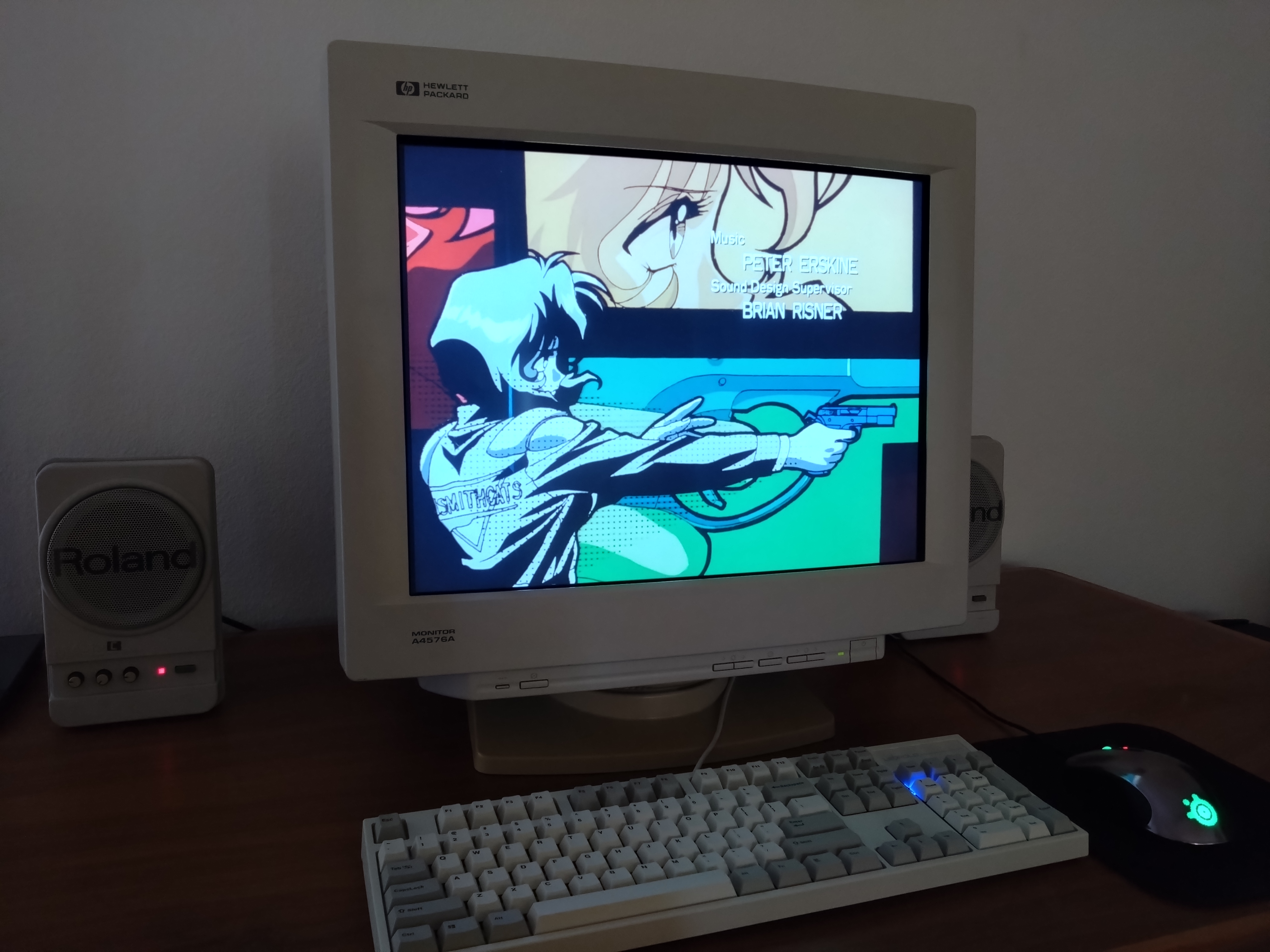
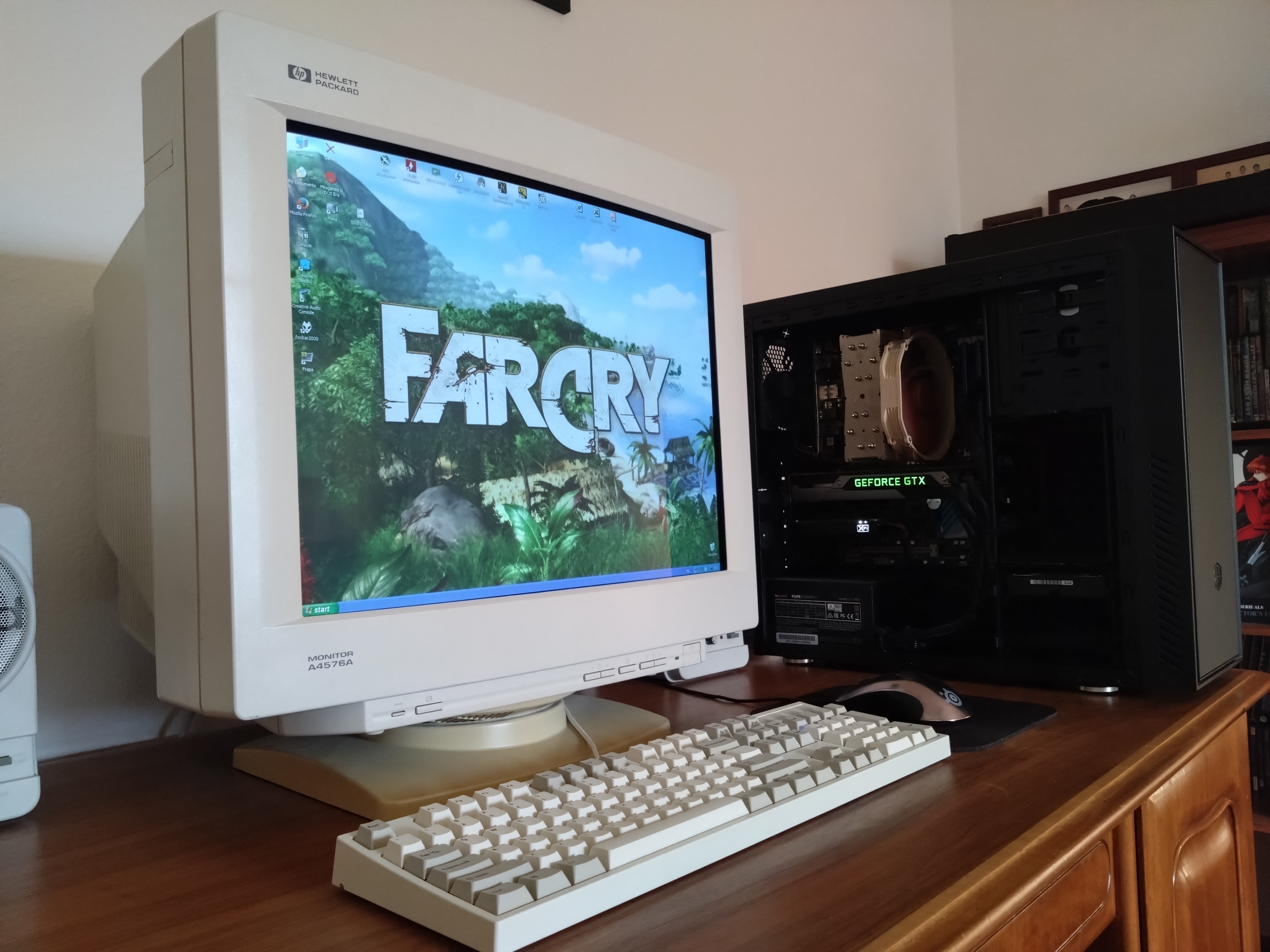
Flagship curved 21" 4:3 computer monitor. Rebadge of the Sony GDM-500PS. Advertised with a max resolution of 1600x1200 at 85hz.
Manuals
Notes
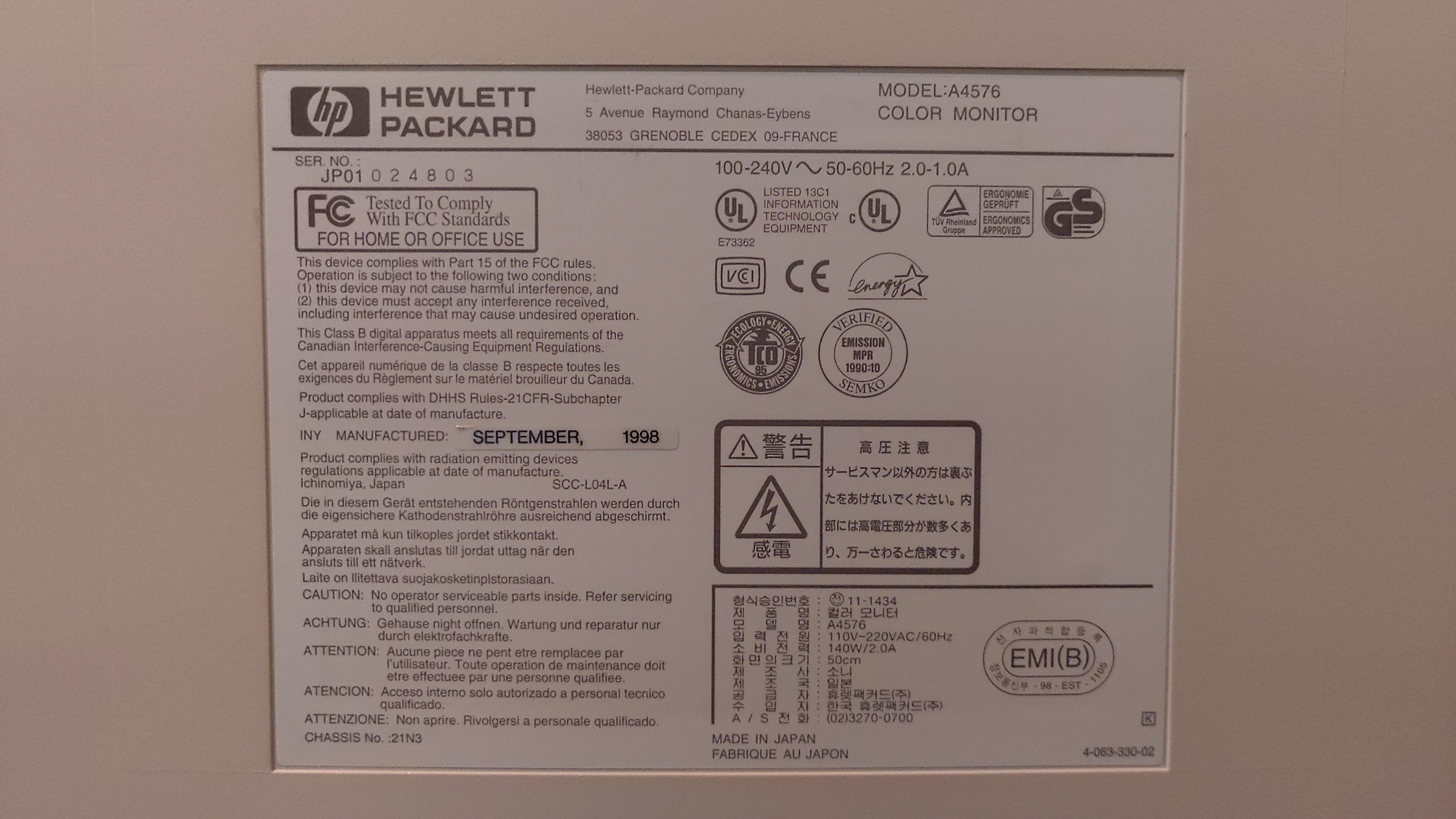
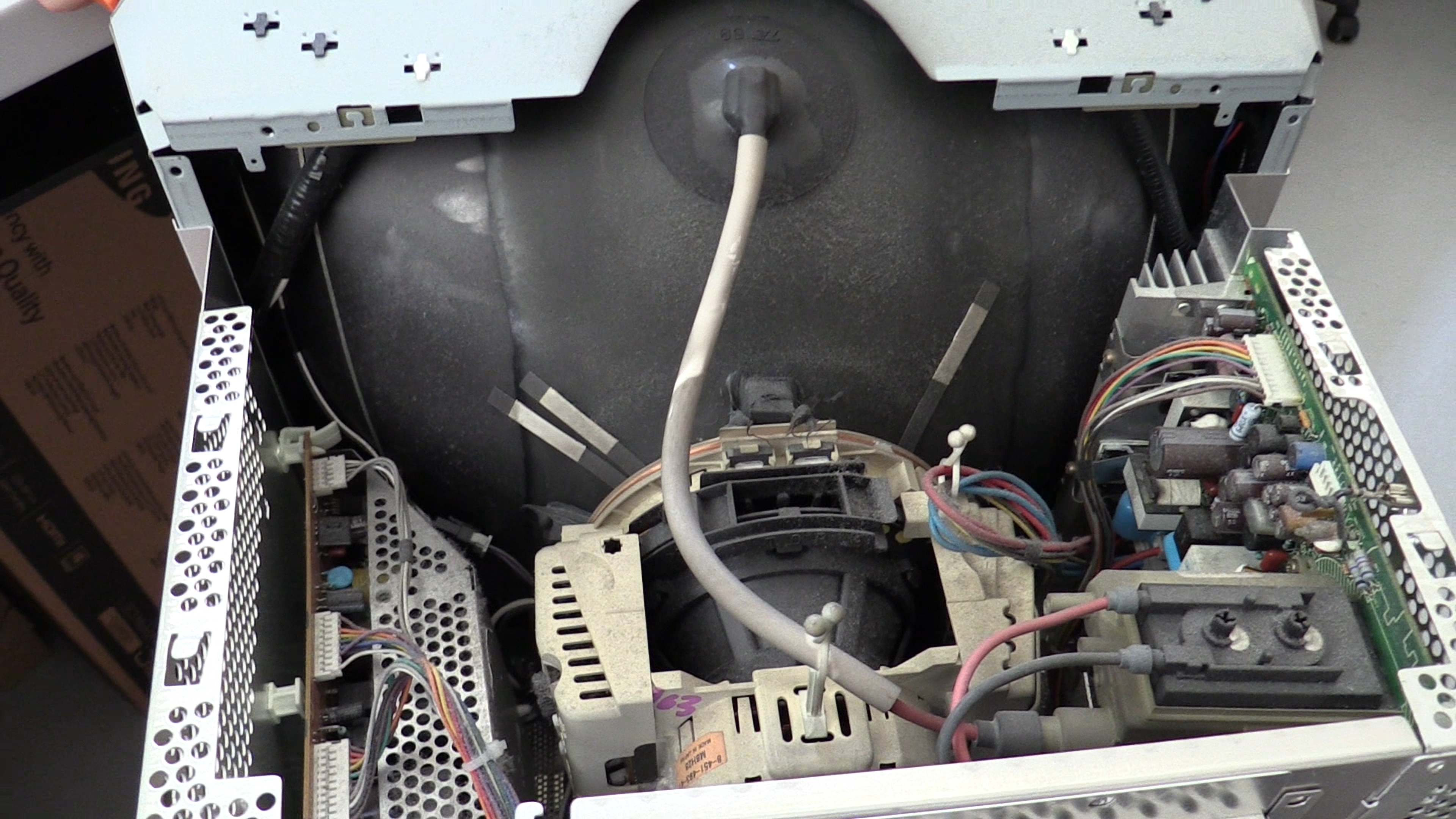
This monitor's chassis uses the Sony CXA2043Q deflection chip; they are known to have high failure rates and may fail without warning. Shares same chassis no. N3 as the Sony GDM-500PS The OSD menu includes digital convergence controls. Being a Sony rebadged monitor it has a hidden WinDAS port.
Video demonstration of the HP A4576A
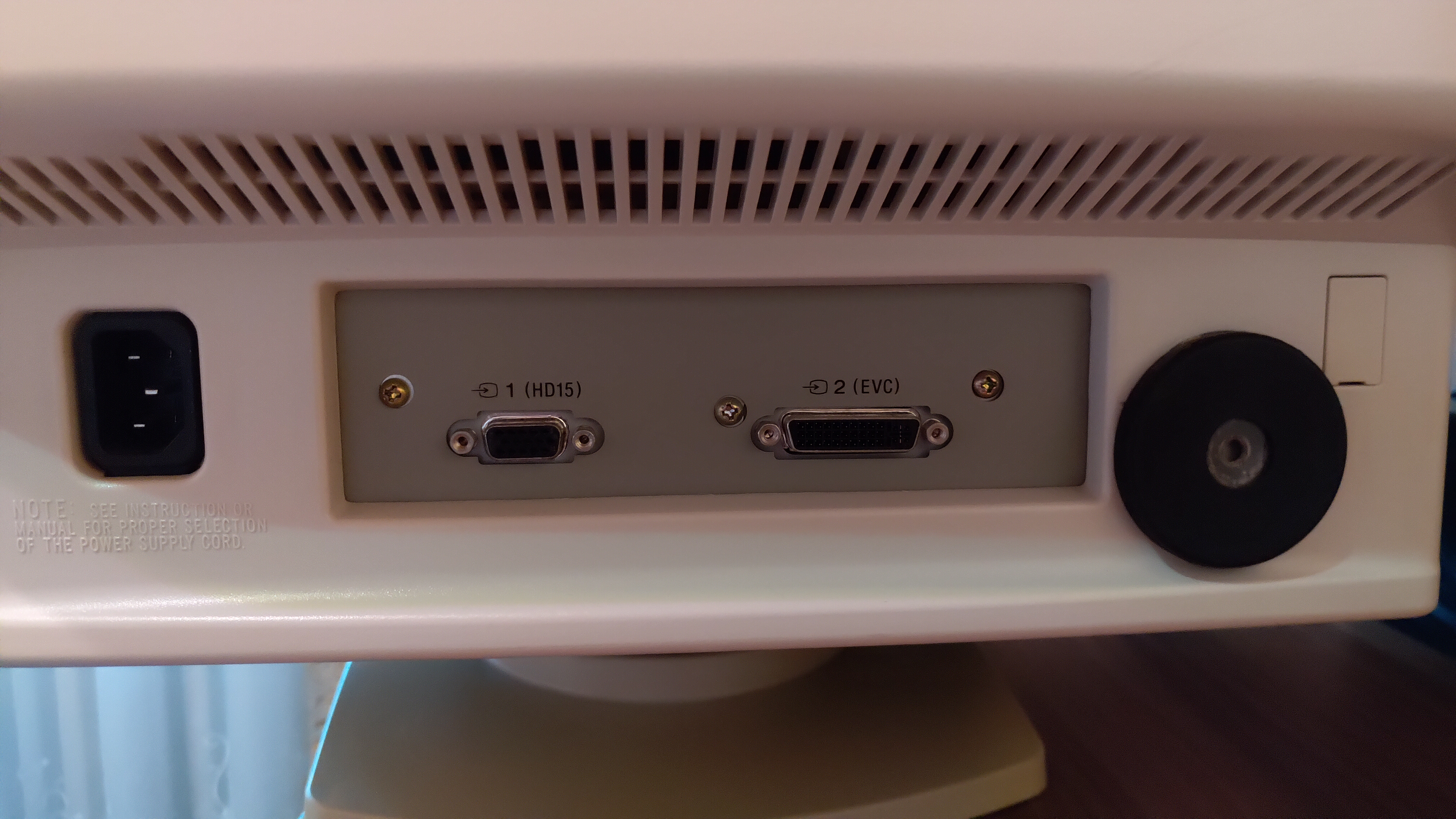
This monitor has second input port however it is an EVC port (Vesa Enhanced Video Connector) a simple EVC to VGA adapter can be used but these are unfortunately extremely rare and hard to find. Official HP part number for the adapter is HP 1253-0635
Brightness & Color Issues
PC Monitors made by Sony often have drifted out of calibration. This can result in poor color balance, excessive brightness, or other issues. These monitors often have an extremely bright picture, sometimes with a green tint. This cannot always be corrected with the OSD controls, and the monitor's firmware settings must be adjusted using WinDAS, Sony's proprietary calibration software.
This tube has a fragile anti-glare coating which will be damaged by all common cleaning products including Ammonia-Free products. You should only clean it with distilled water or distilled water mixed with a few drops of dish soap. Use only a soft clean microfiber towel to wipe the screen. I reccomend buying a spray bottle to mist the screen with the water or dish soap solution.
If the screen has missing/discolored parts of the finish, or spots that look like scratches that don't come off, or parts where the mirror finish is missing, the coating has already been permanently damaged and should be removed. You can find instructions for removing and replacing the film here.
Many brands used these coatings including Mitsubishi, Sony, JVC, IBM, and more. Usually if the underlying tube technology is aperture grille-based and the monitor is a higher performance PC monitor, it can be assumed the tube has this fragile coating. The user manual of the monitor will also mention not to use any cleaning products on the screen.
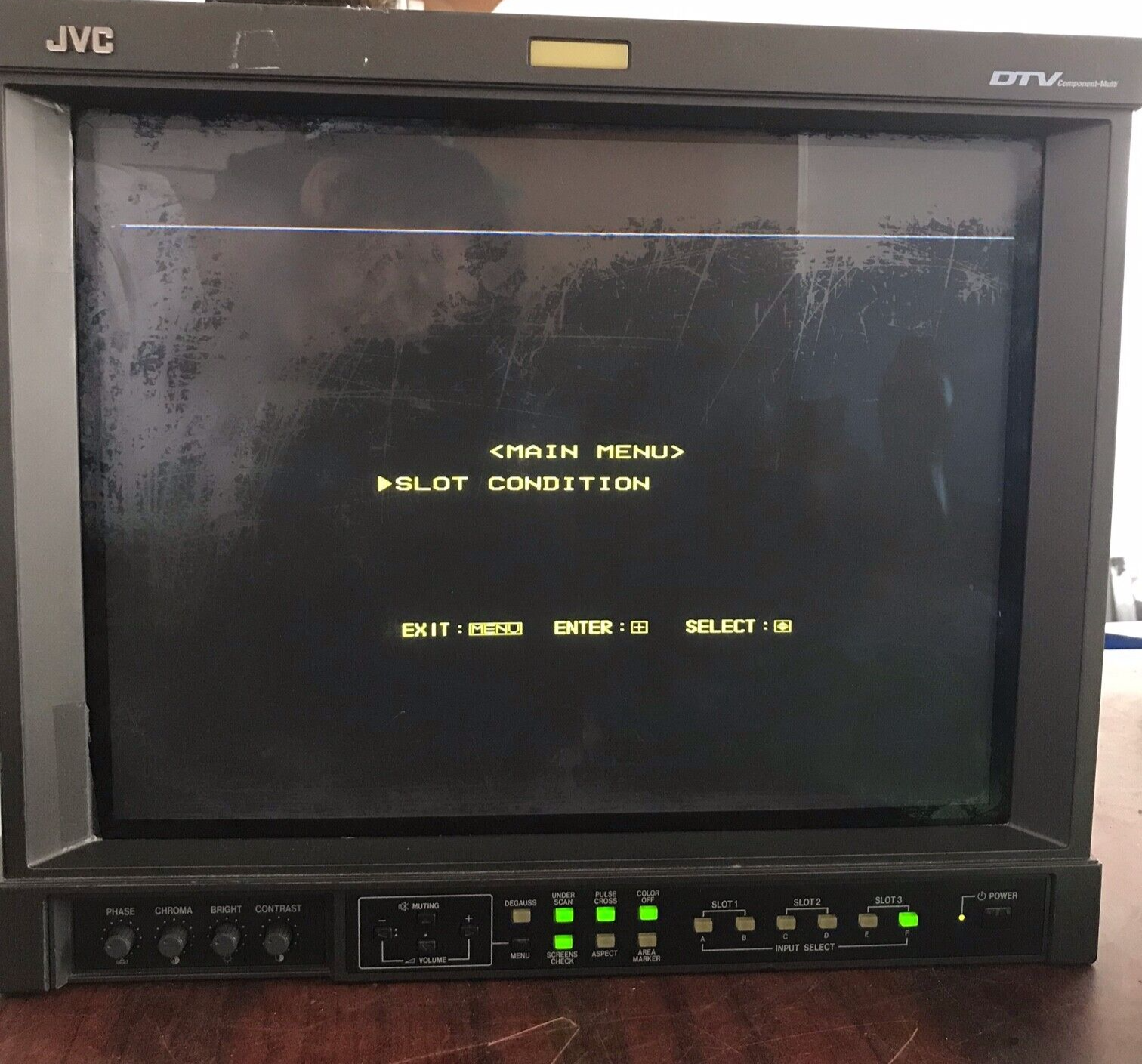
Here is an example of what permanently damaged glare coating looks like: Click to open Image
Gallery
| Specifications | |
|---|---|
| Brand: | HP |
| Manufacturer: | Sony |
| Model: | A4576A |
| Series: | A |
| Viewable Size: | 19.8" |
| Input Signals: | Analog RGB |
| Sync: | HV Sync, Sync on Green |
| Native Resolutions: | VGA, SVGA, XGA, UXGA |
| Horizontal Scan Range: | 30 kHz, 107 kHz |
| Vertical Scan Range: | 50 Hz, 160 Hz |
| Aspect: | 4:3 |
| Adjustments: | OSD Customer Controls, Digital Convergence, WinDAS |
| Focus Type: | Dual |
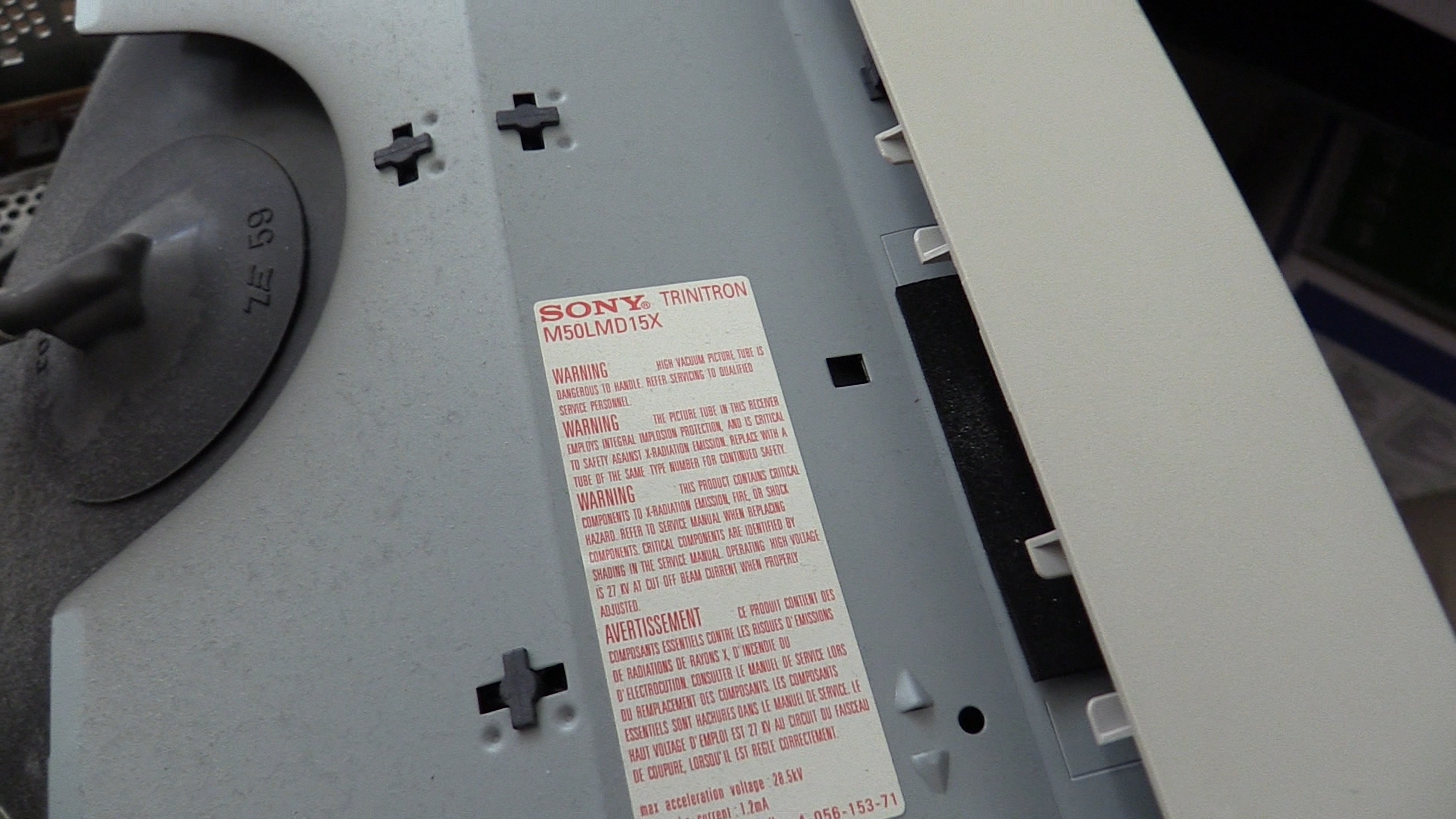
| Tube: | M50LMD15X |
| Heater Voltage: | 6.3v |
| Deflection: | 90° |
| Mask: |
Aperture Grille

|
| Pitch: | 0.25 mm, 0.27 mm |
| Tint: | Matte Anti-Glare |
| Removable Glare Film: | No |
| Speakers: | None |
| Chassis: | N3 |
| Weight: | 68 lbs (30.8 kg) |
| Dimensions (W/H/D): |
504 x 498 x 474 mm
(19.8 x 19.6 x 18.6") |
| Application: | Computer Monitor |
| Cabinet Material: | Plastic |
| Launched: | 1998 |
| Country of Manufacture: | Japan |
| Market: | Worldwide |
| Power Standard: | Universal |
| Mounting: | Desk Stand |
| Degaussing: | Automatic on Power-on, Manual |
| Tag: | Needs Owners Manual, Community Submission |
 This work is licensed under a